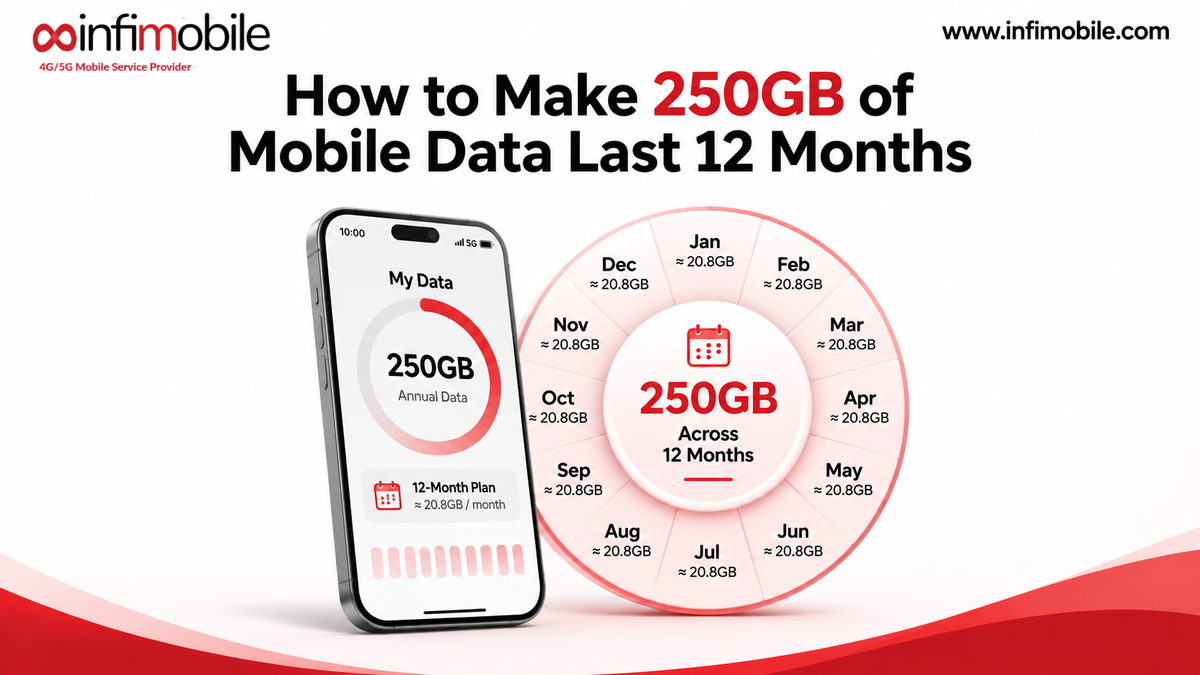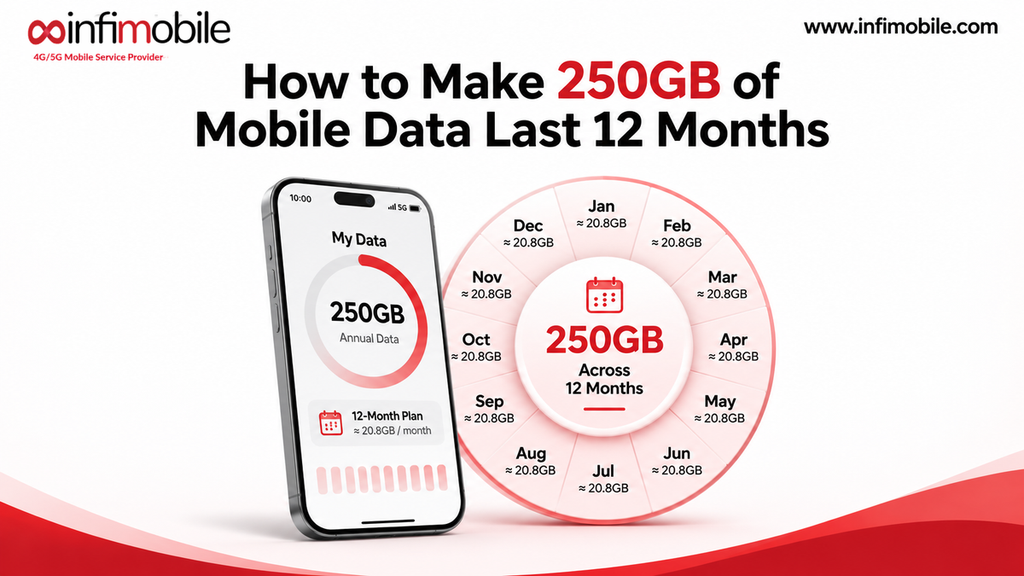
250 GB sounds like a lot until you remember it has to cover a whole year. Spread out evenly, that is about 20.8GB every 30 days, or roughly 700 MB a day. For many people, that is plenty, as long as you know where your data goes and set your phone up to protect it.
This guide shows you how to make Infimobile’s 250GB plan last all 360 days. You will learn how to find your real usage, set a simple budget, turn on the phone settings that matter, and avoid habits that drain your data balance in a few weeks. Plan details come from infimobile.com. The app data figures are approximate, because they change with video quality, app settings, and signal.
What you get with Infimobile’s 250GB plan
Infimobile’s 250GB plan is a prepaid annual plan built around one large pool of data instead of a monthly allowance. Here is what it includes:
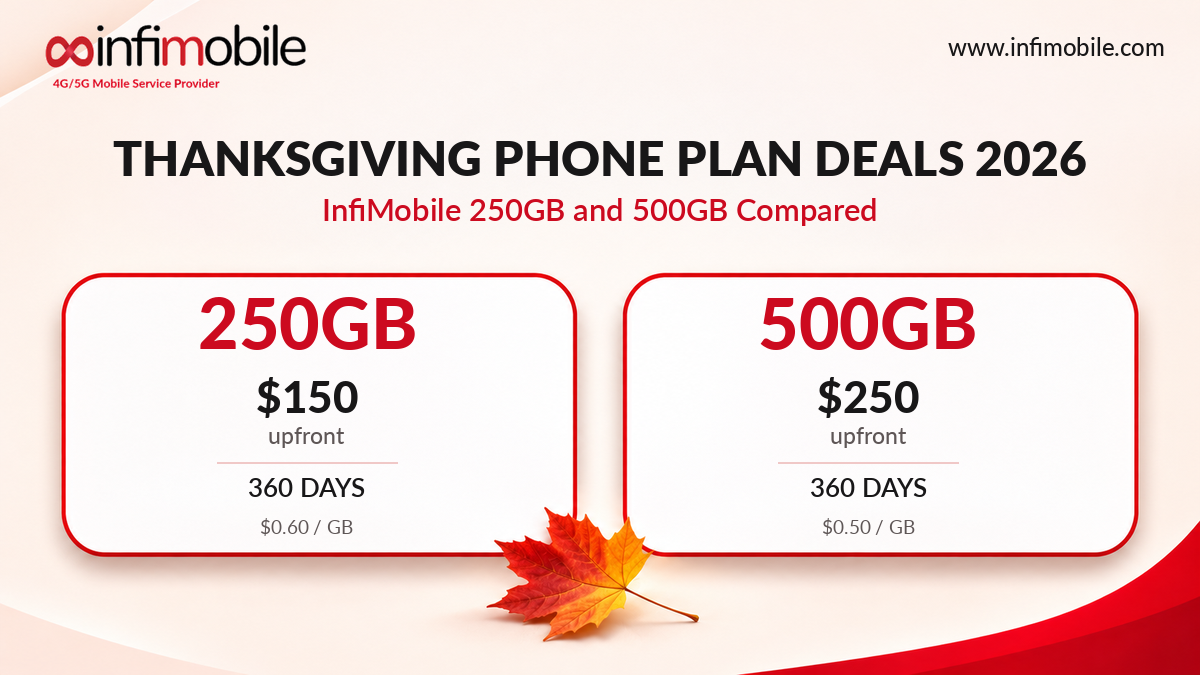
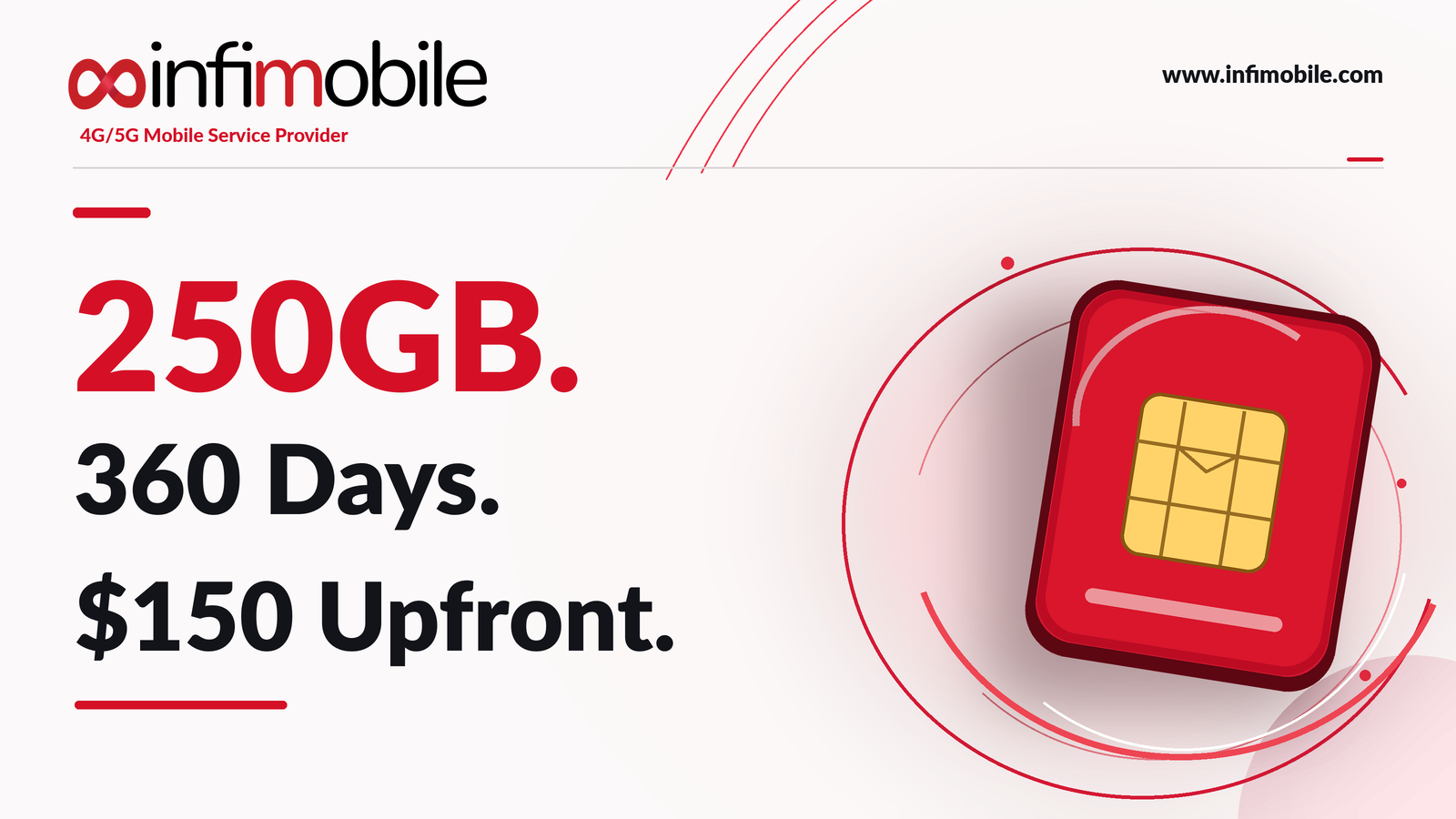
| Price | $150 upfront (Black Friday 2026 price; list price $500) |
| Validity | 360 days from activation |
| Data | 250GB of 5G/4G data in a single balance |
| Cost per 30 days | $12.50 |
| Cost per GB | $0.60 |
| Average per 30 days | About 20.8GB |
| Talk and text | Unlimited nationwide |
| Wi-Fi calling and text | Included |
| Hotspot | Free, up to 10GB per month |
| SIM | eSIM or physical SIM (3-in-1 kit) |
Three details shape how you should use it:
- One balance, no monthly reset. No 30-day cycle wipes your data. If you use 5GB in a quiet month, the rest stays available for a busier one.
- Data does not slow down; it stops. When the 250GB balance reaches zero, mobile data, calls, and texts stop. There is no slower-speed fallback, so pacing matters.
- Unused data expires at the end of the term. Anything left after 360 days is gone, so the goal is to use most of your balance without running out early.
You can read the full plan terms at infimobile.com/plans, and our guide to a prepaid phone plan with no monthly data reset explains the single-balance idea in more depth.
The year in numbers
Before you change a single setting, it helps to see what 250GB looks like in everyday units. The math below uses 1GB as 1,000MB and a 360-day term.
| Per day | About 0.69GB (690MB) |
| Per week | About 4.9GB |
| Per 30 days | About 20.8GB |
| Per quarter (90 days) | 62.5GB |
| Half year (180 days) | 125GB |
| Full term (360 days) | 250GB |
Treat these as a speed limit, not a rule. You will not use data evenly. You may travel in March, work from a café in June, and spend August on home Wi-Fi. A single balance is built for that kind of uneven year, as long as the total stays under 250GB.
Step 1: Find your real baseline
Guessing is the fastest way to run out early. Spend five minutes finding out what you actually use.
- iPhone: open Settings, then Cellular, and look at Current Period under Cellular Data. Scroll down to see usage by app.
- Android: open Settings, then Network and internet, then SIMs (or Data usage on some phones), and check the monthly total and the per-app breakdown.
Look at your last three to six months if your phone keeps that history. If your carrier app or bill shows past usage, use that too. Then split your use into two groups: mobile data and Wi-Fi data. Only mobile data counts against your 250GB.
A quick way to read your result:
- Under 12GB a month: you have a large cushion. The 250GB plan should last the full 360 days with room to spare.
- 12GB to 20GB a month: you are on target. A few small habit changes will give you a safety margin.
- Over 21GB a month: you will likely run out early unless you move more usage onto Wi-Fi. Use the steps below, or compare larger options on infimobile.com/plans.
Step 2: Set a budget and a reserve
Once you know your baseline, give your data a job. We suggest three simple rules.
Keep a reserve. Hold back about 10 percent, or 25GB, as an emergency pool for travel, a broken home internet connection, or a big update. Plan to use 225GB and treat the last 25GB as insurance.
Pick a monthly target. Dividing 225GB by 12 gives roughly 18.75GB a month. If you expect busy months, set a lower target for the quiet ones so you bank data.
Use checkpoints. Check your usage on a set schedule. The table below shows the most you should have used if you want to stay on pace for the full 250GB.
| End of month 3 | Day 90 | 62.5GB or less |
| End of month 6 | Day 180 | 125GB or less |
| End of month 9 | Day 270 | 187.5GB or less |
| End of term | Day 360 | 250GB or less |
If you are ahead of pace at a checkpoint, tighten up for a few weeks. If you are behind, you have room to relax. Put the dates in your phone calendar the day you activate your plan.
Step 3: Make Wi-Fi your default
The biggest saving is also the simplest: use Wi-Fi whenever you can. Mobile data should be the backup, not the default.
- Connect at home, work, and school. Make sure your phone joins your usual networks automatically.
- Use Wi-Fi calling. Your plan includes Wi-Fi calling and texting, so calls and messages can run over Wi-Fi when your signal is weak indoors.
- Save large jobs for Wi-Fi. App updates, system updates, cloud photo backups, podcast downloads, and game patches can each use hundreds of megabytes or several gigabytes. Set them to Wi-Fi only.
- Download before you leave. Before a trip, commute, or flight, download shows, playlists, podcasts, and maps on Wi-Fi so you never stream them on mobile data.
Public Wi-Fi can help in a pinch, but avoid sensitive tasks such as banking on open networks.
Step 4: Switch off silent data drains
A surprising amount of data disappears in the background. These settings take a few minutes and can save many gigabytes over a year. Menu names vary a little by phone and software version, so use your settings search if you cannot find one.
On iPhone:
- Turn on Low Data Mode for cellular (Settings, Cellular, Cellular Data Options). It pauses automatic updates and background tasks.
- Set Background App Refresh to Wi-Fi only (Settings, General, Background App Refresh).
- Switch off cellular data for apps that do not need it, using the app list under Settings, Cellular.
- Turn off Wi-Fi Assist if you want to stop your phone from switching to mobile data when Wi-Fi is weak.
- Under Settings, App Store, turn off automatic downloads over cellular.
On Android:
- Turn on Data Saver (Settings, Network and internet).
- Set a data warning and a data limit in your data usage settings so your phone alerts you before you overspend.
- Restrict background data for apps you rarely use.
- In Google Play, set app auto-updates to Wi-Fi only.
In your apps:
- Set photo backup (Google Photos, iCloud, OneDrive) to back up on Wi-Fi only.
- Turn off video autoplay in social apps and messaging apps.
- Set automatic media downloads in messaging apps to Wi-Fi only.
- Stop podcast and music apps from downloading new episodes on mobile data.
Step 5: Stream and browse smarter
Video is the largest everyday use of mobile data, so a few choices here matter more than almost anything else. The figures below are approximate and vary by service and settings.
| Web browsing and email | 50MB to 150MB |
| Music streaming | 50MB to 150MB |
| Navigation with maps | A few MB to 10MB |
| Social media with autoplay video | 200MB to 700MB |
| Video calls | 0.5GB to 1.5GB |
| Standard-definition video | About 0.5GB to 1GB |
| HD video | Up to about 3GB |
| 4K video | Up to about 7GB |
A few easy wins from that table:
- Lower your video quality on mobile. Most apps have a data saver or “standard” setting. Streaming Netflix, YouTube, or Prime Video on a phone screen in standard definition looks fine and can cut data use by half or more compared with HD.
- Download music and playlists. Streaming an hour of music uses little data, but daily commutes add up. Offline playlists cost nothing after the Wi-Fi download.
- Use offline maps. Download your city or travel area in your maps app. Navigation then uses almost no mobile data.
- Trim video calls. Turn off your camera on casual calls or lower the video quality in the app settings.
- Scroll with autoplay off. Short-video apps can use a few gigabytes a month if videos play automatically.
For a quick sense of scale, 250GB covers roughly 250 hours of standard-definition streaming, or thousands of hours of music and maps, or a lot of everyday browsing. The same 250GB covers only about 80 hours of HD video. How you use it matters far more than how much you use your phone.
Step 6: Use your hotspot wisely
Your plan includes a free hotspot of up to 10GB a month, which is handy for a laptop at a café, a tablet on a trip, or a friend who needs a connection. Laptops and tablets can use data much faster than phones, because they download full desktop web pages, large software updates, and cloud files.
To keep hotspot use under control:
- Turn off automatic updates and cloud sync on any device you connect.
- Pause large downloads until you are back on Wi-Fi.
- Watch your hotspot total during the month, especially on days you work from your phone.
- Disconnect devices when you are finished.
Step 7: Track, adjust and recover
Even with good settings, some months will run high. That is fine, because the balance is shared across the whole year. Make tracking a habit:
- Check weekly for the first month. You will quickly learn what a normal week looks like.
- Compare against your checkpoints. Use the table in Step 2.
- Find the culprit when you run high. Open the per-app list and look for the top two apps. One app is usually responsible.
- Bank data in quiet months. If you use only 8GB in a month, you have not lost anything. You have added room for later.
- Slow down if you fall behind. In the last quarter, switch to Wi-Fi-only habits for anything non-essential.
Three sample budgets
These examples show how different people can make 250GB last. They are illustrations, not guarantees, so use your own baseline from Step 1.
The Wi-Fi-first commuter. Uses about 8GB a month on mobile for maps, messages, music, and light browsing. That is about 96GB a year, which leaves around 154GB unused. This person could stream more on mobile, or consider whether a smaller plan fits.
The balanced everyday user. Uses about 14GB a month most months, with two bigger months at 28GB for travel. That works out to roughly 10 × 14 + 2 × 28 = 196GB, leaving a healthy 54GB reserve.
The heavy mobile user. Uses about 24GB a month, which would total 288GB. That is over budget by 38GB. Moving video downloads, backups, and updates to Wi-Fi and lowering streaming quality could cut roughly 6GB a month, bringing the year down to about 216GB.
Is the 250GB plan right for you?
The 250GB plan suits you if:
- You mostly use Wi-Fi at home, work, or school.
- Your mobile use changes a lot from month to month.
- You want to pay once instead of every month.
- You are comfortable checking your usage now and then.
It may not be the best fit if:
- You use more than about 21GB of mobile data every month and cannot shift it to Wi-Fi.
- You stream HD video on mobile data every day.
- You need a plan that keeps working at reduced speed after you pass a limit.
Infimobile also offers other options, including a 250GB plan with 720 days of validity at $225 for lighter users, a 500GB plan for 360 days at $250 for heavier users, and monthly-allowance plans. Compare them at infimobile.com/plans and match the plan to your Step 1 baseline.
Common mistakes to avoid
- Ignoring app updates. Large updates on mobile data are one of the quickest ways to lose several gigabytes.
- Leaving video autoplay on. It can quietly use a few gigabytes a month.
- Forgetting cloud backups. A full photo backup on mobile data can use tens of gigabytes.
- Never checking usage. Without checkpoints, you only find out at zero.
- Saving too hard. You paid for the data. Use it. A balance that expires unused is wasted value.
Get started
If you want a year of service for a single $150 payment, with a data balance you can pace to suit your life, you can find the 250GB plan on infimobile.com/plans. Check device compatibility first, choose eSIM or a physical SIM, and set your calendar reminders for days 90, 180, and 270.
Frequently asked questions
The 250GB plan costs $150 upfront for 360 days, down from a list price of $500. That works out to $12.50 per 30 days, or $0.60 per GB, and about 20.8GB of data per month on average.
When your 250GB balance reaches zero, mobile data, calls, and texts stop, and there is no slower-speed fallback. Check your usage against the checkpoints in this guide, and keep a reserve of about 25GB for busy periods.
There is no monthly reset, so unused data stays in your balance from one 30-day period to the next until the plan term ends. Any data left at the end of the 360 days expires, so aim to use most of your balance without running out early.
Yes, the plan includes a free hotspot of up to 10GB per month. Laptops and tablets can use data quickly, so turn off automatic updates and cloud sync on connected devices.
Spread evenly across 360 days, 250GB is about 20.8GB every 30 days, or roughly 690MB a day. If you keep a 10 percent reserve, plan on about 18.75GB a