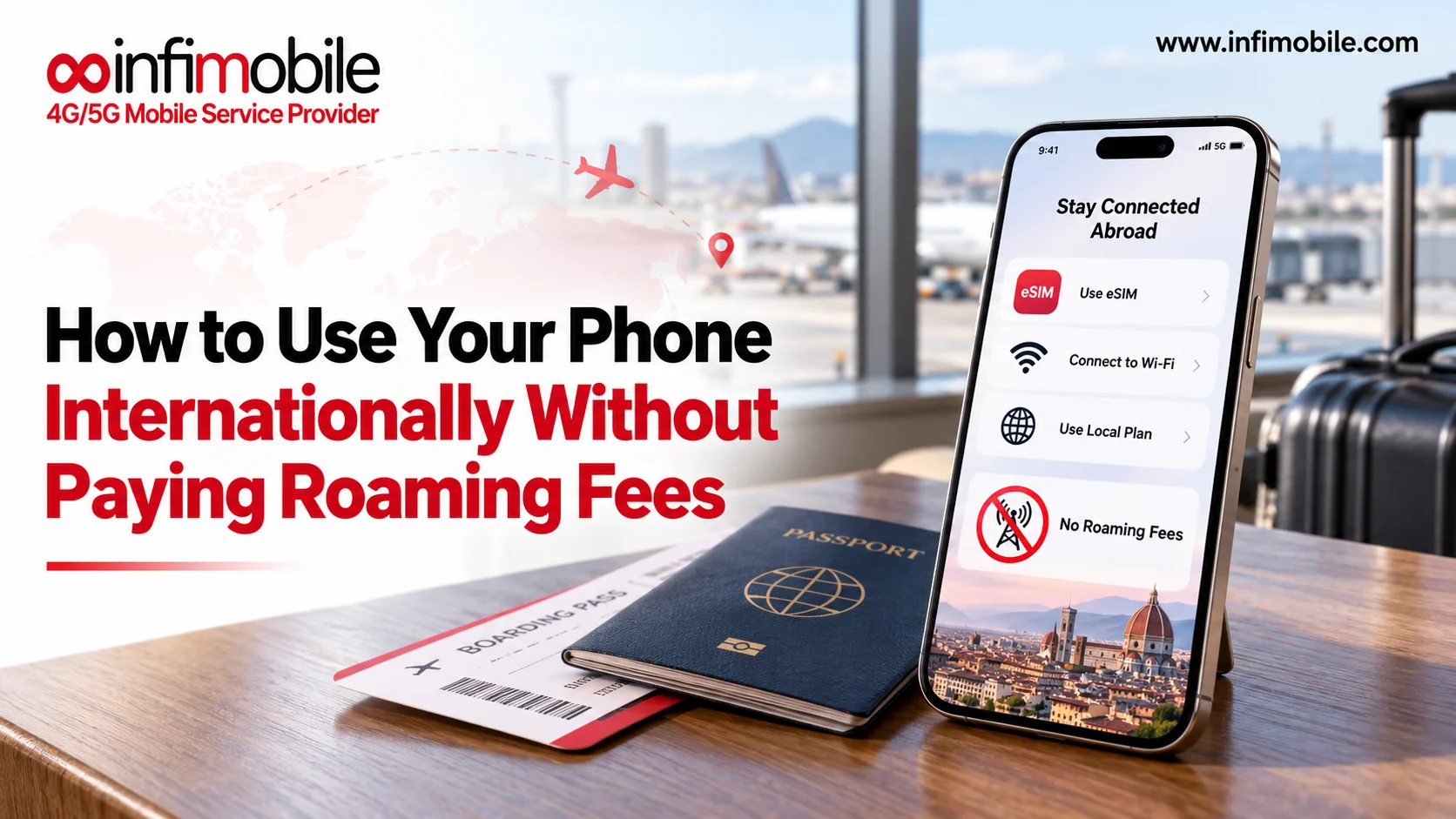
The simplest way to use your phone internationally without paying roaming fees is to stop depending on your home carrier’s roaming at all. Turn off data roaming, use Wi-Fi whenever you can, and add a local SIM or travel eSIM at your destination so calls and mobile data are billed at local prices. Set up before you leave; this takes about 20 minutes and can save you from a bill that runs into the hundreds of dollars.
Roaming fees catch people off guard because nothing looks different on your screen. Your phone connects to a foreign network, your maps and messages keep working, and the charges pile up quietly in the background. In this guide, we explain how international roaming charges work, six practical ways to avoid them, a step-by-step checklist to follow before your trip, and the mistakes that cause most surprise bills. We also cover where Infimobile fits in, including what its plans do not include.
What Are Roaming Fees and Why Do They Happen?
Roaming means your phone is using a network that your carrier does not own. When you travel abroad, your carrier has no towers there, so your phone connects to a local partner network. That partner charges your carrier a wholesale rate, and your carrier adds its own markup before passing the cost to you.
The result is pricing that can feel random. Depending on your carrier and plan, you may be charged per megabyte, per minute, per text, or a flat daily fee. We cover the difference between roaming and calling abroad in more detail in our guide to international calling vs. roaming.
Background data is the usual culprit. Even if you never open a browser, your phone checks email, syncs photos, and updates apps. On a roaming connection, all of that can count toward your bill.
Check These Two Things Before You Plan Anything
Two details decide which options are open to you, so check them first.
- Is your phone unlocked? A carrier-locked phone will only accept SIMs from that carrier. If you finished paying for your phone, ask your carrier to unlock it, or look in your phone’s settings, where many models show a “carrier lock” or “SIM lock” status.
- Does your phone support eSIM? Most phones released in recent years do. On an iPhone, you can find an eSIM line in Settings under Cellular. On Android, look for “SIMs” or “eSIM” in Network settings. If you are unsure, check your phone’s model on the manufacturer’s website.
If your phone is unlocked and supports eSIM, you have the easiest route available. If it is unlocked but eSIM is not supported, a physical local SIM still works well.
6 Ways to Use Your Phone Abroad Without Roaming Fees
1. Install a Travel eSIM
A travel eSIM is a digital SIM you download to your phone, usually by scanning a QR code or tapping a link. You buy a data plan for your destination or region, and your phone connects to a local network when you land. Providers such as Airalo, Holafly, and Nomad sell these, and there are many others. Compare a few, since pricing and data allowances vary widely.
The big advantage is timing. You can buy and install the eSIM at home over Wi-Fi, so you have data the moment you arrive, with no airport queues and no tiny SIM card to swap. Most travel eSIMs are data-only, so calls and texts happen through apps. Check each plan’s coverage and validity period before you buy.
2. Buy a Local Physical SIM
If your phone does not support eSIM, a local prepaid SIM is the classic fix. Airports, convenience stores, and carrier shops in most countries sell them. You pay local rates, and some plans include a local number and calling minutes.
There are trade-offs. Some countries require you to register the SIM with your passport. You also need to store your home SIM safely, since losing it can cause real headaches. If your phone has two SIM slots, you may not need to swap at all.
3. Use Wi-Fi Calling and Messaging Apps
Apps like WhatsApp, FaceTime, iMessage, and Google Meet send calls and messages over Wi-Fi or data instead of the cellular voice network. At a hotel, café, or airport, they cost nothing beyond the connection you are already on.
Wi-Fi Calling is a related feature built into your phone. It lets you place standard calls and texts over Wi-Fi using your regular number. Support while abroad depends on your carrier and on local rules, so test it before you leave.
4. Use Airplane Mode Plus Wi-Fi
This is the free option. Switch on Airplane Mode, then turn Wi-Fi back on. Your phone cannot connect to a roaming network, so no cellular charges are possible. You can still message, make app calls, and browse wherever there is Wi-Fi.
The drawback is obvious: you are offline on the street. Download offline maps and translation packs before you go to make up for it.
5. Buy Your Carrier’s Travel Pass
Many carriers sell a daily or monthly international pass that lets your normal plan work abroad. Convenience is the benefit, since nothing changes on your phone. The cost is the downside. Daily passes are often around $10 per day on some large U.S. carriers, which adds up fast on a long trip, and pricing and country lists change, so confirm the current terms before you rely on one.
6. Rent a Portable Wi-Fi Hotspot
Pocket Wi-Fi devices can be rented for a trip and shared between several travelers. They make sense for groups who all need data at once. They are one more device to charge, carry, and return, so most solo travelers will find an eSIM simpler.
Which Option Fits Your Trip?
| Option | Best For | Typical Cost Level | Watch Out For |
| Travel eSIM | Most travelers with eSIM phones | Low to moderate | Usually data only |
| Local physical SIM | Longer stays, older phones | Low | Registration rules, SIM swapping |
| Wi-Fi calling and apps | Staying in touch with home | Free on Wi-Fi | Needs a connection |
| Airplane Mode plus Wi-Fi | Short trips, tight budgets | Free | No data on the move |
| Carrier travel pass | Short trips, zero setup | Higher | Daily fees add up |
| Portable hotspot | Groups sharing data | Moderate | Extra device to manage |
For most people, the best combination is a travel eSIM for data plus messaging apps for calls and texts.
Step-by-Step: Get Your Phone Ready Before You Leave
- Confirm your phone is unlocked. Do this at least a few days ahead, since unlock requests can take time.
- Choose your connection method. Pick a travel eSIM, a local SIM, or a Wi-Fi-only plan based on the table above.
- Install the eSIM at home. Use home Wi-Fi to scan the QR code, then label the line clearly, such as “Travel Data.”
- Download what you need offline. Save maps, boarding passes, hotel confirmations, music, and translation packs.
- Switch off data roaming on your home line. On an iPhone, open Settings, Cellular, then your home line, and toggle Data Roaming off. On Android, the path varies by brand, but look for a Roaming toggle under SIM or Mobile network settings.
- Pick your default data line. Set your travel eSIM or local SIM as the line for mobile data, and keep your home line off for data.
- Set a data limit and review app permissions. Turn on a data warning, and restrict background refresh for heavy apps.
When you land, connect to the local network and run a quick test with a map or a message. If it does not connect on the first try, restart the phone and check that the travel line is switched on.
How to Stay Reachable on Your Home Number
Keeping your home number reachable is where travelers run into trouble, and a few details matter.
- Set up app-based two-factor authentication before you go. Banks and email accounts often send login codes by text. If your home number cannot receive texts abroad, you could be locked out. An authenticator app avoids the problem.
- Tell people which app to use. Share your WhatsApp or iMessage details so family and coworkers know where to reach you.
- Use call forwarding with care. Forwarding calls to a number abroad can trigger charges on some plans, so check the terms first.
- Keep your home line active. Leave your home SIM, or eSIM, turned on for the number, with data roaming off, if your carrier supports receiving calls and texts abroad. Check your carrier’s rules, because some will bill for incoming roaming activity.
Common Mistakes That Cause Surprise Bills
- Forgetting about background data. Apps sync quietly. Turn off data roaming, not just mobile data you are actively using.
- Using your phone on a cruise ship. Onboard cell service at sea is typically billed at premium rates. Airplane Mode with ship Wi-Fi is safer.
- Assuming a border region is free. Near borders, your phone can grab a signal from a foreign tower without warning. Lock your network selection manually if needed.
- Buying a plan that does not match your destination. Check that your eSIM covers the specific countries on your route.
- Waiting until you land. Airport Wi-Fi may be slow, and the install is much easier at home.
How Infimobile Fits Into Your Travel Plans
It helps to be direct about this. Infimobile plans are built for service within the United States and do not include international roaming. Coverage is focused on the U.S. network Infimobile runs on. That means the strategies above are the right way to stay connected abroad: a travel eSIM or local SIM for data, and Wi-Fi-based apps for everyday communication.
Where Infimobile does help is the rest of the picture.
- Keep your U.S. number simply and cheaply. A low-cost annual plan keeps your number active at home while you use a local SIM or travel eSIM abroad. With two SIM profiles on a dual SIM phone, both can live on the same device.
- Add international calling for the people you call. Infimobile offers an international calling add-on for $5 per month, covering calls and texts to more than 85 countries with direct dialing and no PIN codes. It is included at no extra cost on some higher-tier plans, so check your plan details first.
- Use Wi-Fi Calling and Wi-Fi Texting. Infimobile’s 10GB and 20GB annual plans include both, which can help when you are connected to Wi-Fi.
Here are Infimobile’s 12-month plan options as of this writing. Prices and promotions change, so check the plans page before buying.
| Plan | Monthly Data | Term | Price | Effective Monthly Cost |
| 10GB Plan | 10GB | 12 months | $75 upfront | About $6.25 |
| 12GB Plan | 12GB | 12 months | $90 upfront | About $7.50 |
| 20GB Plan | 20GB | 12 months | $120 upfront | About $10 |
New to eSIM? Our guide on how to activate eSIM on iPhone shows the installation process, which works much the same way for a travel eSIM.
Frequently Asked Questions
Yes. The most common methods are a travel eSIM, a local prepaid SIM, or Airplane Mode with Wi-Fi. All three avoid your home carrier’s roaming rates because your phone is either on a local network or not using cellular at all.
It stops mobile data charges, which are usually the largest. Some carriers can still bill for calls or texts received or sent while abroad, so check your plan’s terms. Airplane Mode is the surest way to block every cellular charge.
It depends on what you do. Maps, messaging, and light browsing use far less than video streaming or video calls. Many travelers start with a small plan, then top up if needed. Downloading maps, music, and shows over Wi-Fi beforehand cuts usage a lot.
No. Infimobile plans are built for U.S. coverage and do not include international roaming. For travel, use a local SIM or travel eSIM and rely on Wi-Fi-based apps for calls and messages.
Yes. Infimobile’s international calling add-on costs $5 per month and covers calling and texting to more than 85 countries. App-based options like WhatsApp and FaceTime also work over Wi-Fi or data without per-minute fees.
Final Thoughts
Roaming fees are avoidable with a little planning. Confirm your phone is unlocked, choose a travel eSIM or local SIM, keep Wi-Fi and messaging apps ready for calls, and turn off data roaming on your home line before departure. Do these things at home, not at the airport, and the process is quick and low-stress.
Infimobile will not replace a travel SIM abroad, but it can keep your U.S. number active and affordable between trips, with an international calling add-on for the people you call most. Explore the 12-month options on the Infimobile plans page.