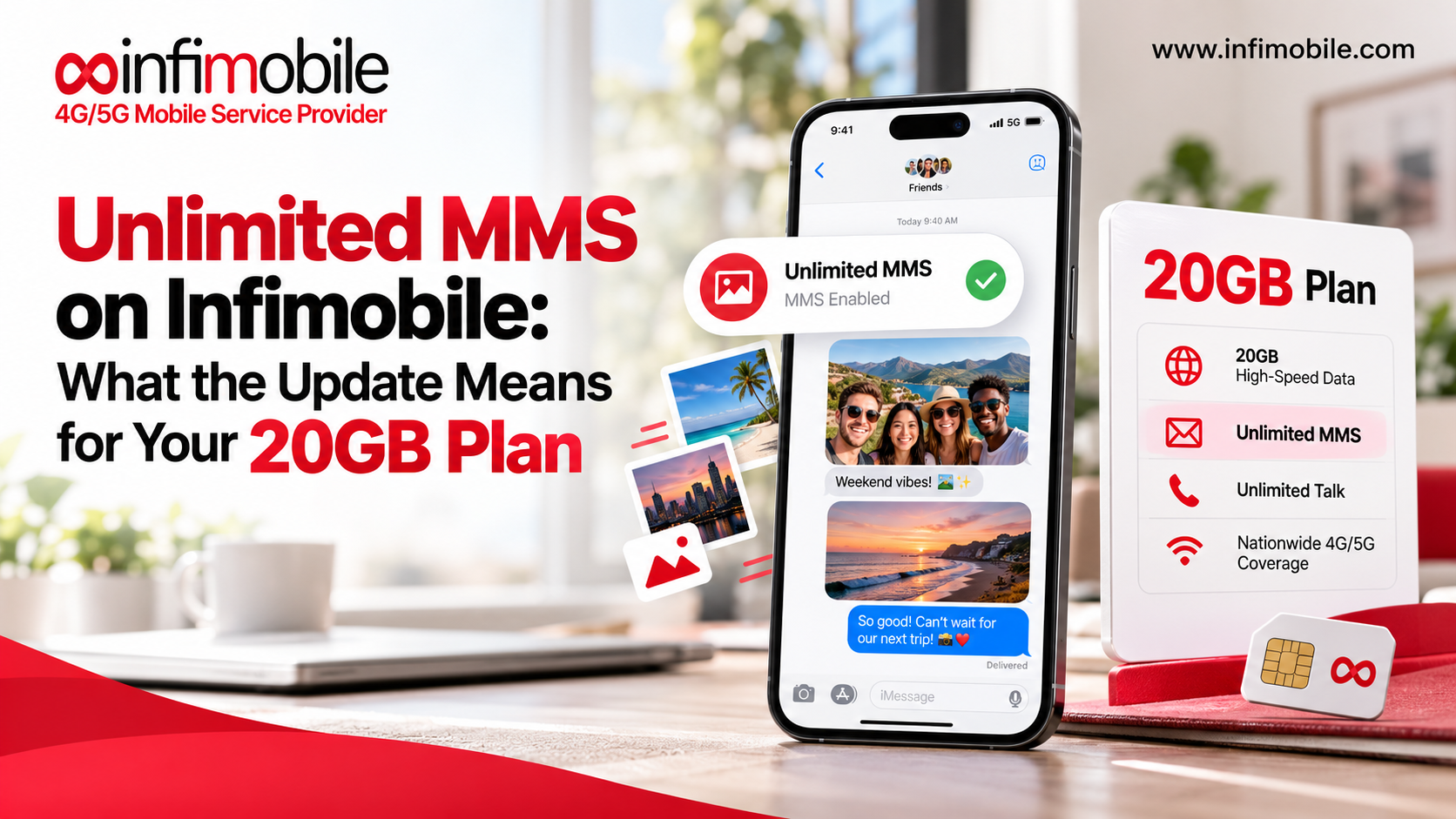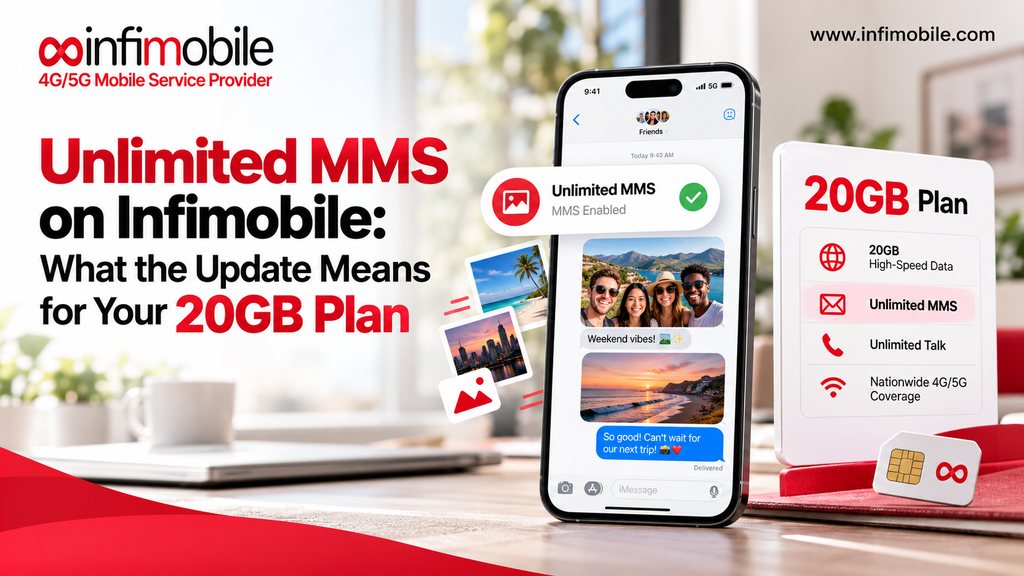
Picture messages used to come with a quiet worry: how many have I sent this month? Infimobile has removed that worry. The 10GB, 12GB, 15GB, 20GB, and 40GB Unlimited plans now include unlimited MMS for personal, non-commercial use, and the old 500-MMS limit is gone from the website and the terms and conditions.
This update lands at the same time as Infimobile’s October offer on the 20GB High-Speed Data Plan: $192 upfront for 24 months, which works out to $8 a month. Together, they make a simple package for anyone who sends a lot of photos, short videos, and group messages. In this guide, we explain what MMS is, what changed, what “personal use only” really means, how to keep your picture messages working smoothly, and how the October offer fits in. We finish with five questions people often ask.
Unlimited MMS at a Glance
Here is a quick summary of the update before we go deeper.
| Update | Unlimited MMS for personal, non-commercial use |
| Plans covered | 10GB, 12GB, 15GB, 20GB, and 40GB Unlimited |
| Old limit | 500 MMS (removed from the website and T&C) |
| Not allowed | Bulk, automated, or commercial MMS |
| Effective | Immediately |
| Related October offer | 20GB High-Speed Data Plan, $192 upfront for 24 months |
| Offer valid until | October 31, 2026 |
What Is MMS, and How Is It Different From SMS?
MMS stands for Multimedia Messaging Service. It is the technology behind picture messages, short videos, audio clips, and many group texts. SMS, which stands for Short Message Service, is the plain text message you have been sending for years. SMS handles words. MMS handles words plus media.
Here is an easy way to tell them apart:
- SMS: A short text with no attachment, such as “Running ten minutes late.”
- MMS: A message with a photo, a video, a GIF, a voice clip, or a contact card attached.
- Group texts: Many group conversations are sent as MMS, especially when one of the people in the chat uses a different type of phone or messaging app.
MMS is also different from mobile data. Browsing a website or opening a map uses your data allowance. Sending a picture message travels through the messaging system of your plan. On some phones, MMS still needs mobile data switched on to send or download an attachment, which is why a picture message can fail when cellular data is turned off.
What Changed: The Update Explained
Before this update, Infimobile plans carried a cap of 500 MMS. For many people, that was more than enough. But heavy photo senders, families with active group chats, and people who share lots of short clips could get close to a monthly limit without noticing.
Now, the limit is removed. Here is what is different:
- No more 500-MMS cap. The limit has been taken off the website and out of the terms and conditions.
- Five plans are covered. The 10GB, 12GB, 15GB, 20GB, and 40GB Unlimited plans all include unlimited MMS.
- Use must be personal. The benefit is for personal, non-commercial messaging.
- It starts immediately. The change is effective now, so there is nothing to apply for or switch on.
If you are on one of these plans already, you do not need to do anything. If you are on a different plan, check the plan details on infimobile.com/plans to see what your plan includes.
What Does “Personal Use Only” Mean?
This is the part worth reading twice. Unlimited does not mean every kind of use is allowed. Infimobile’s policy says MMS must be for personal, non-commercial use. Bulk, automated, or commercial MMS is prohibited and may lead to termination of service.
In plain language, personal use is what a normal person does with a phone. Commercial or bulk use is what a business or a program does to reach many people at once.
| Personal use (fine) | Bulk or commercial use (not allowed) |
| Sending vacation photos to family | Sending promotional pictures to a customer list |
| Posting clips in a group chat with friends | Using software to send MMS automatically |
| Sharing a screenshot or meme | Sending mass messages for a business |
| Sending a photo of a document to a relative | Running marketing campaigns by picture message |
| Sharing a birthday video with a group | Repeating the same message to hundreds of numbers |
If you run a small business and message customers one-on-one, the safest path is to keep your plan for personal use and look for a service designed for business messaging. When you are unsure, ask the Infimobile support team before you rely on the plan for anything that looks like business activity.
Why Unlimited MMS Matters in Everyday Life
A cap on picture messages sounds small until you notice how much of daily communication now includes an image. Here are some situations where an open allowance helps.
Family Group Chats
Family chats are full of photos. A new baby, a school event, a holiday dinner, a pet doing something silly. When everyone sends pictures all day, the count adds up. With unlimited personal MMS, you can reply with a photo every time without keeping score.
Students and Young Adults
Students often share class notes as photos, send pictures of whiteboards, and trade short clips with friends. A plan that does not count picture messages removes a small but real source of stress during a busy semester.
Travel and Events
Weddings, trips, concerts, and reunions create a flood of pictures. Sending them in the moment, instead of saving them for later, is how most people share these memories. Unlimited MMS makes that easy.
Everyday Practical Use
Sending a photo of a product label to a partner at the store, a picture of a broken part to a repair person, or a snapshot of a parking spot are all small tasks that rely on MMS. These are exactly the personal moments the policy is built for.
How Picture Messages Work on Your Phone
Many people are surprised to learn that not every picture message is actually an MMS. The type of message depends on the phone on each end and the app you use.
- iPhone to iPhone: These messages usually travel as iMessage, which uses an internet connection rather than MMS. They appear in blue bubbles.
- iPhone to Android, or the reverse: Messages often fall back to SMS or MMS, or to RCS where both phones and carriers support it. These usually appear in green bubbles on an iPhone.
- Android to Android: Messages may use RCS chat features or fall back to MMS, depending on your messaging app and settings.
- Group chats with mixed phones: These are the most likely to use MMS, which is why unlimited MMS matters most for mixed groups.
This also explains why quality can vary. MMS often compresses photos and videos so they send reliably, so a picture may look a little softer to the person who receives it. If image quality matters, send the original through a cloud link or a messaging app that keeps full quality.
How to Send Picture Messages Without Problems
Most MMS trouble comes from a few settings, not from the plan. Follow these steps if a photo will not send or download.
- Turn on mobile data. Many phones need cellular data on to send or receive MMS, even when you are on Wi-Fi. Open your phone settings and confirm mobile data is enabled.
- Enable MMS messaging. On an iPhone, open Settings, tap Messages, and make sure MMS Messaging is on. On many Android phones, open your messaging app settings and look for the MMS or picture message options.
- Check your signal. A weak signal can stop a large attachment from sending. Move to a spot with better coverage and try again.
- Restart the phone. A simple restart clears many temporary network glitches.
- Try a smaller file. A long, high-resolution video may be too large for MMS. Trim it, or send it through a file-sharing link instead.
- Confirm your line is active. Make sure your Infimobile service is active, and that calls and texts work normally.
- Contact support. If the steps above do not help, reach the Infimobile team at support@infimobile.com or (855) 686-0102
A tip for group chats: if one person in the chat cannot see your pictures, the problem is often on their phone. Ask them to check the same settings.
How the October 20GB Offer Fits In
The MMS update is part of a bigger story this month. Infimobile’s October offer on the 20GB High-Speed Data Plan gives you unlimited voice and SMS, unlimited personal MMS, and unlimited data including 20GB of high-speed data every month.
Here are the offer details:
| Plan | 20GB High-Speed Data Plan |
| Offer price | $192 upfront for 24 months |
| Monthly equivalent | $8 per month |
| Data | Unlimited, including 20GB of high-speed data each month |
| After 20GB | Speeds are reduced for the rest of the monthly cycle |
| Voice and SMS | Unlimited |
| MMS | Unlimited (personal use only) |
| Who can buy | New and existing customers |
| Promotional hotspot | Free for new customers |
| Offer valid until | October 31, 2026 |
| Taxes | Additional |
The $192 is the total upfront payment for the full 24 months. It is not a monthly installment. Taxes are charged on top, so your final checkout total may be a little higher.
How Messaging and Data Work Together
Because MMS and mobile data are separate ideas, it helps to know where each one fits. Your 20GB of high-speed data covers things like browsing, maps, streaming, and video calls. Your unlimited MMS covers the pictures and clips you send in messages. Sending a photo through MMS does not mean you are burning through your high-speed data in the same way as streaming a video would. That makes the pairing a comfortable one for people who message often and also want room for everyday internet use.
Who Should Look at This Plan
- Heavy photo senders: If your phone is full of picture conversations, unlimited personal MMS removes a limit you may have been watching.
- Group chat regulars: Mixed iPhone and Android groups rely on MMS, so an open allowance suits them well.
- Budget-focused users: At $8 a month equivalent, the plan is built for people who want a low monthly cost.
- Existing customers: The offer is open to existing customers, so you can take the $192 for 24 months price without waiting for a future deal.
New customers also receive a free promotional hotspot. The free hotspot is for new customers only, so existing customers should not expect it with this offer.
Before You Sign Up: A Quick Checklist
A 24-month plan paid upfront deserves a few minutes of checking. Here is a short list to go through.
- Check your phone. Use the compatibility checker at infimobile.com/compatible to confirm your phone works with Infimobile service. You will need an unlocked phone. Dial *#06# to find your IMEI.
- Check coverage. Confirm service where you live, work, and travel most often.
- Review the terms. Taxes are additional, and speeds are reduced after 20GB for the rest of the monthly cycle.
- Think about your messaging habits. If you mostly send personal photos and videos, you are well within the policy. If any of your messaging is commercial or automated, the plan is not the right fit for that use.
- Mind the date. The offer ends on October 31, 2026.
- Bringing your number? Gather your account number and transfer PIN before you start the port-in, and keep your old line active until the transfer finishes.
Frequently Asked Questions
The 10GB, 12GB, 15GB, 20GB, and 40GB Unlimited plans include unlimited MMS for personal, non-commercial use. The previous 500-MMS limit has been removed from the website and the terms and conditions.
Personal use means the normal picture messaging you do with friends, family, and contacts, such as sharing photos, short videos, and group chat media. Bulk, automated, or commercial MMS is prohibited and may lead to termination of service.
MMS and your high-speed data allowance are two different parts of your plan. Your 20GB of high-speed data is for activities such as browsing, maps, and streaming, and your MMS allowance is unlimited for personal use. Some phones need mobile data switched on to send or download picture messages, so keep it enabled if a message will not go through.
Yes. The 20GB High-Speed Data Plan offer is open to both new and existing customers, and it runs until October 31, 2026. The free promotional hotspot is a new-customer benefit, so existing customers are eligible for the plan price but not the free hotspot.
Unlimited MMS removes the count, but it does not fix phone settings. The usual causes are mobile data turned off, MMS messaging disabled in your messaging settings, a weak signal, or a file that is too large. Work through the steps in this guide, and contact Infimobile support if the problem continues.
Final Thoughts
The new unlimited MMS policy makes Infimobile plans simpler for people who love sharing pictures and videos. The 10GB, 12GB, 15GB, 20GB, and 40GB Unlimited plans now include unlimited personal MMS; the old 500-MMS limit is gone, and bulk, automated, or commercial messaging remains off limits.
If you want to pair that with a low cost, the October 20GB High-Speed Data Plan offers unlimited voice and SMS, unlimited personal MMS, and 20GB of high-speed data each month for $192 upfront for 24 months, or $8 a month. Check your phone and coverage, review the plan details at infimobile.com/plans, and decide before the offer ends on October 31, 2026.