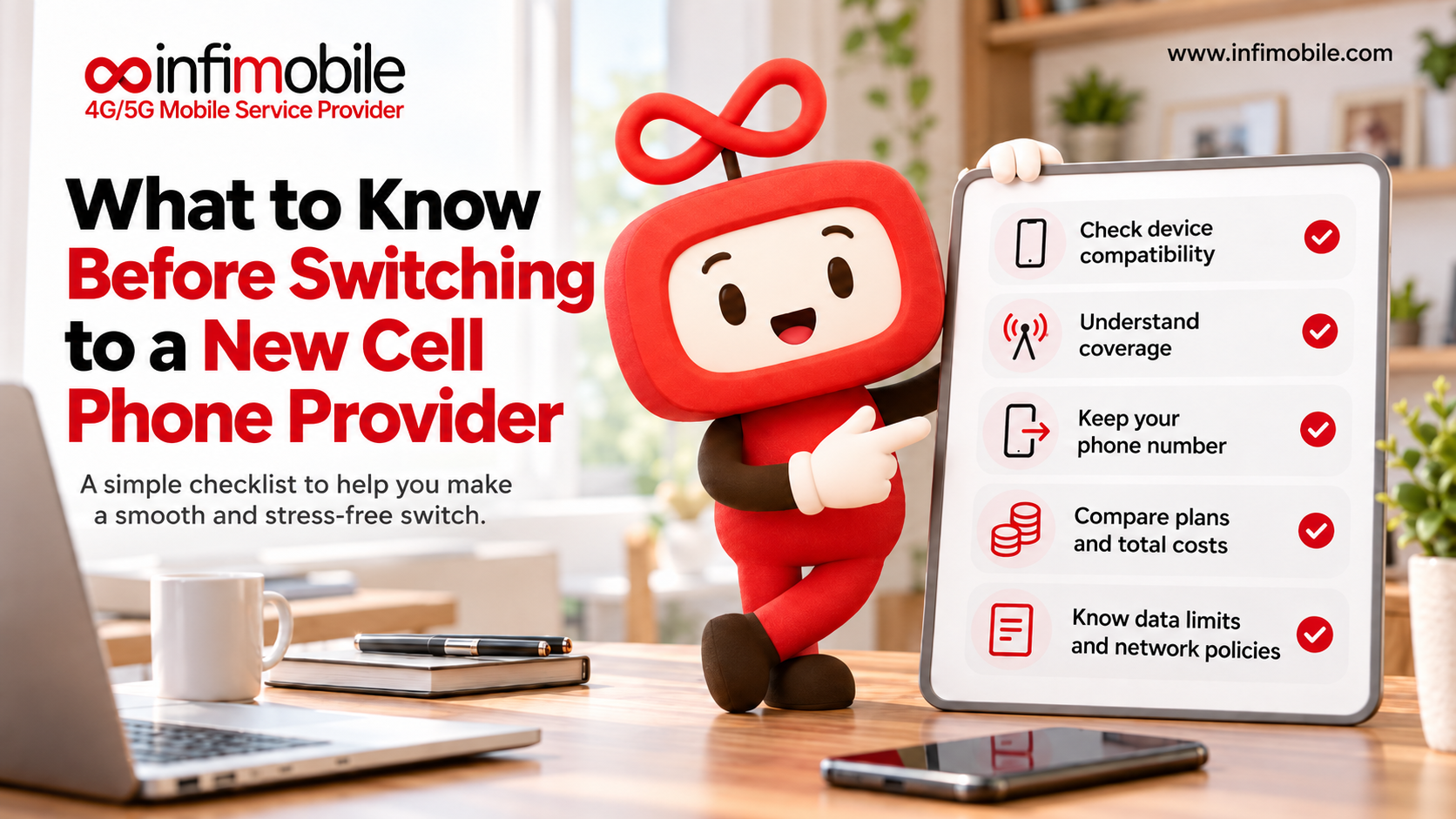
Switching cell phone providers can save real money, but the savings only materialize if the switch goes smoothly. Most of the problems people run into, such as an unexpected final bill, a phone that won’t work on the new network, or a number that gets stuck mid-transfer, are easy to avoid when you know about them in advance. Very few of them are the fault of the new provider. They come from doing the steps in the wrong order.
This guide covers what to know before you switch: your rights around keeping your number, what leaving your current provider can cost, how phone unlocking works, why the type of provider matters, how to check coverage honestly, and how to compare plans beyond the headline price. It ends with a checklist you can use with any provider, including Infimobile.
Table of Contents
- Your Number Is Yours to Keep
- Know What Leaving Will Cost
- Your Phone Must Be Unlocked and Compatible
- Network-ownership
- Coverage
- Compare Plan Structure, Not Just Price
- Features
- Security
- Timing
- Checklist
- How Infimobile Approaches the Switch
- FAQs
Your Number Is Yours to Keep
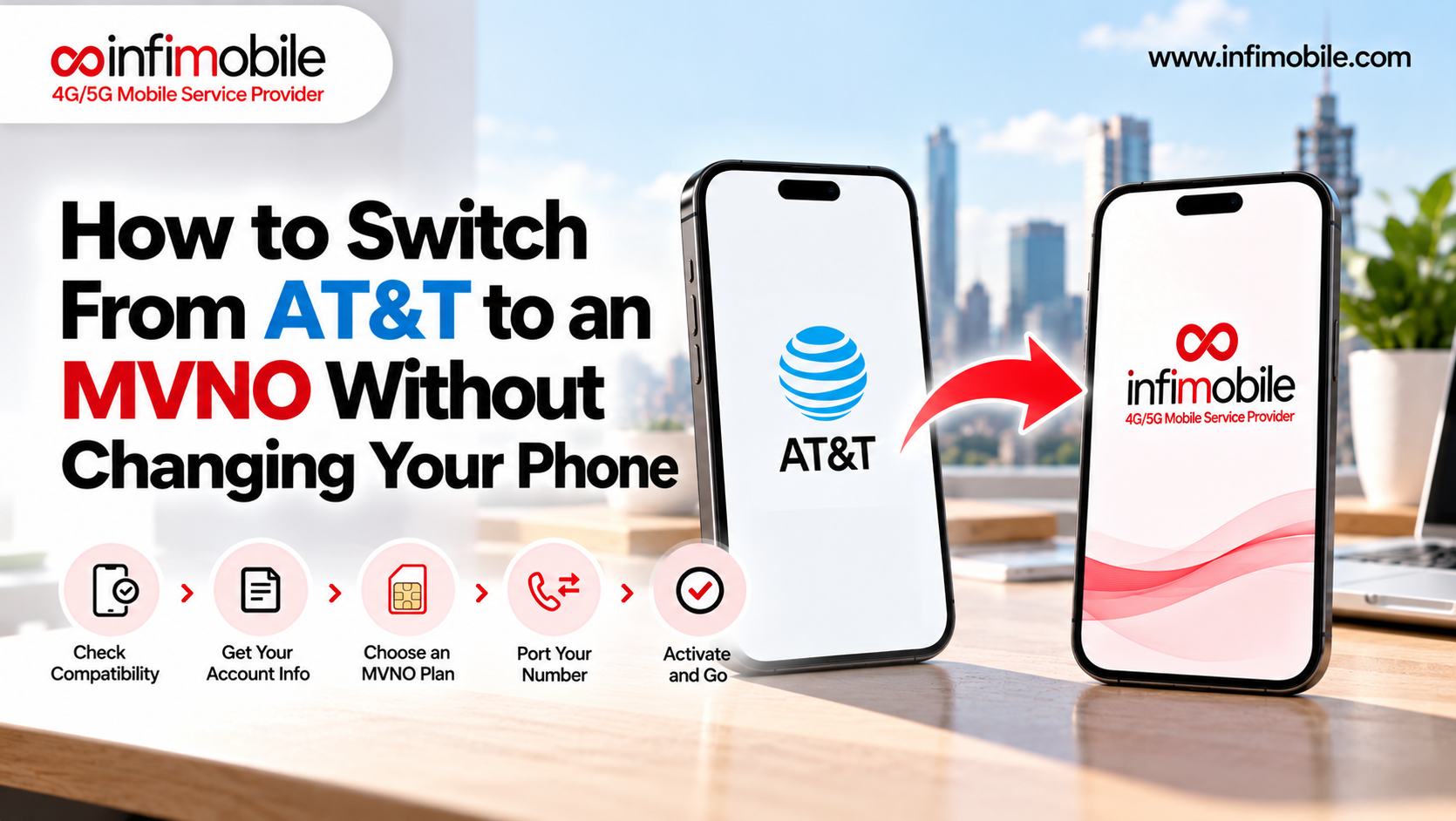
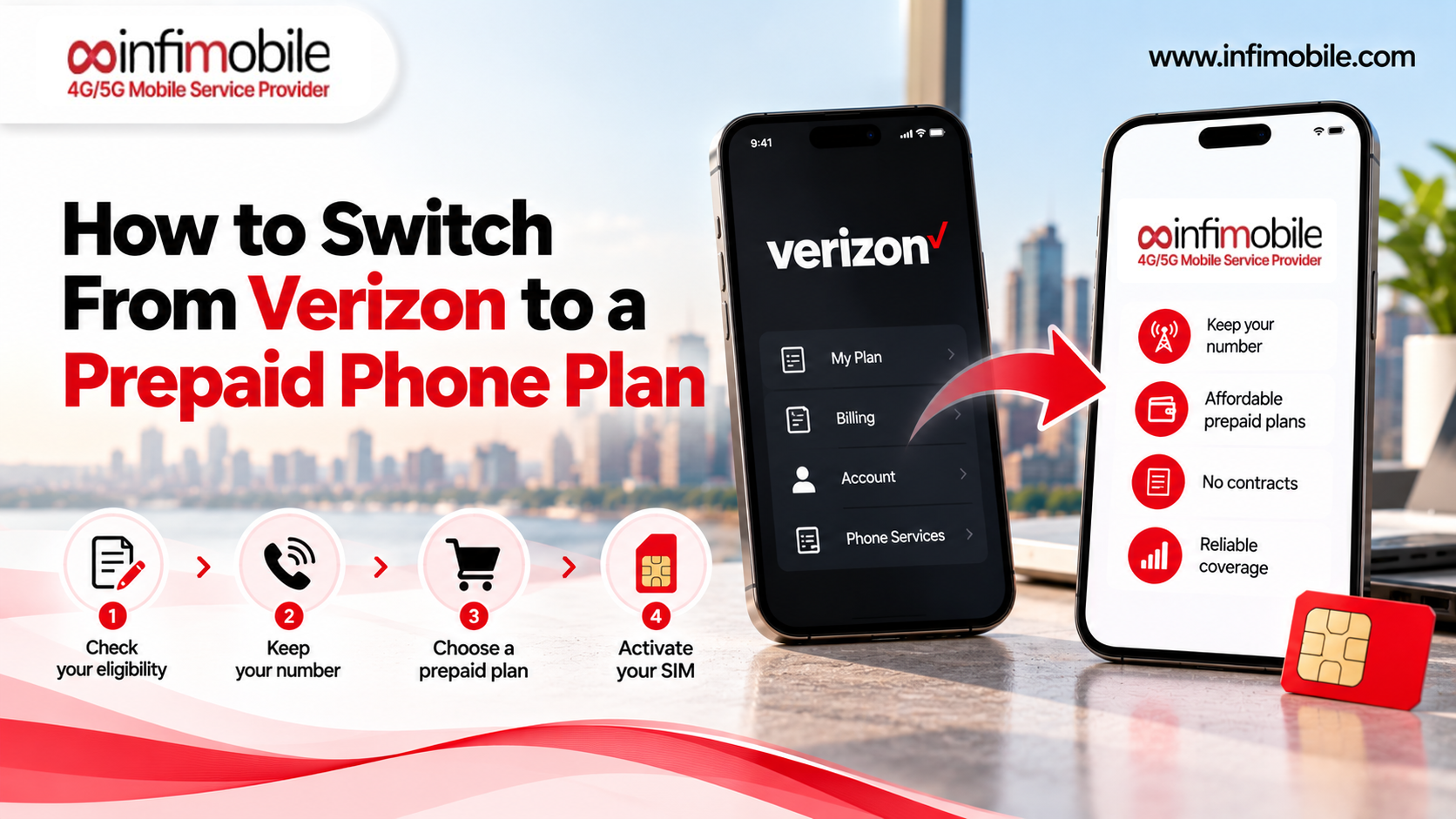
The first thing to know is that switching doesn’t mean losing your phone number. Under federal rules, you can generally keep your number when you change providers in the same area, a process called porting.
The Federal Communications Commission’s consumer guide spells out several points worth knowing:
- Your old provider can’t block the port over money. Once you request service from a new company, your old company cannot refuse to port your number even if you owe an outstanding balance or a termination fee. You still owe what you owe, but the number can’t be held hostage.
- Don’t cancel first. The FCC advises not to terminate your service with your existing company before starting service with the new one. Canceling early can cause you to lose the number.
- Fees are possible. Companies may charge a porting fee, though you can ask whether it can be waived.
- It’s usually fast. For changes between wireless providers, you may be able to use your phone within a few hours.
- You can complain if it goes wrong. If you have trouble porting, you can file a complaint with the FCC.
In practice, the order is simple: choose the new provider, start the port with them, and let the old line close automatically once the transfer completes.
Know What Leaving Will Cost
The biggest surprise for many switchers is the final bill. Most carriers no longer lock you into traditional contracts with early termination fees, but device payment plans and promotional credits create a similar effect.
- Remaining device balance. If you financed your phone through your carrier, the remaining balance is typically due when you close the account. AT&T, for example, says the unpaid installment balance is due immediately when you cancel the line it’s tied to, and Verizon and T-Mobile have similar terms for closing accounts.
- Promotional credits. Phone deals are often paid as monthly bill credits over 24 or 36 months. If you leave early, the credits generally stop, and you owe the remaining device balance without them.
- Final billing period. Carriers commonly bill for the full final cycle rather than prorating it, so the timing of your switch can affect what you pay.
- AutoPay. After your final bill, confirm that AutoPay is off so you aren’t charged for service you no longer use.
Before you decide, log in to your account, look at your installment balance and active promotions, and compare the total cost of leaving with what you’d save over a year. If a phone is almost paid off, waiting a few months can be worth it.
Your Phone Must Be Unlocked and Compatible
If you want to keep your phone, it has to be unlocked, and it has to work on the new provider’s network.
Unlocking rules vary, and they have changed recently. Each carrier sets its own conditions. Common requirements include paying off the device, keeping the account in good standing, and waiting a minimum period after purchase or activation. As widely reported, T-Mobile requires about 40 days of activation on postpaid phones, AT&T has a roughly 60-day waiting period for postpaid devices, and Verizon changed its policy in January 2026 so that newer phones stay locked until paid in full. Because these details shift, check your carrier’s current policy and your own device’s status before you plan around a date.
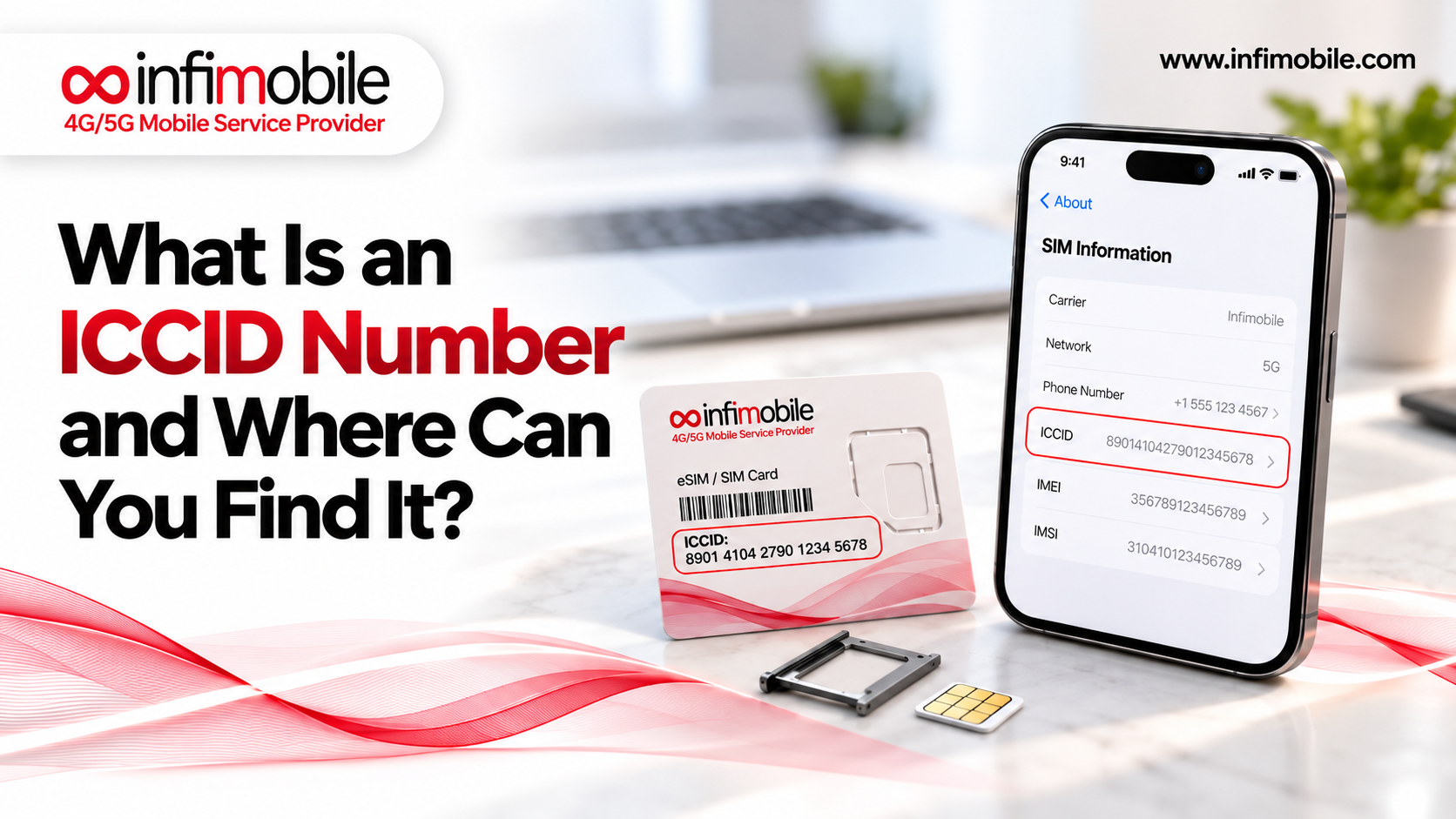
Compatibility matters too. An unlocked phone also needs to support the radio technology of the network you’re joining. Infimobile asks for phones that support 5G or 4G LTE and VoLTE. You can find your phone’s IMEI number by dialing *#06# and check it with the compatibility checker at infimobile.com/compatible.
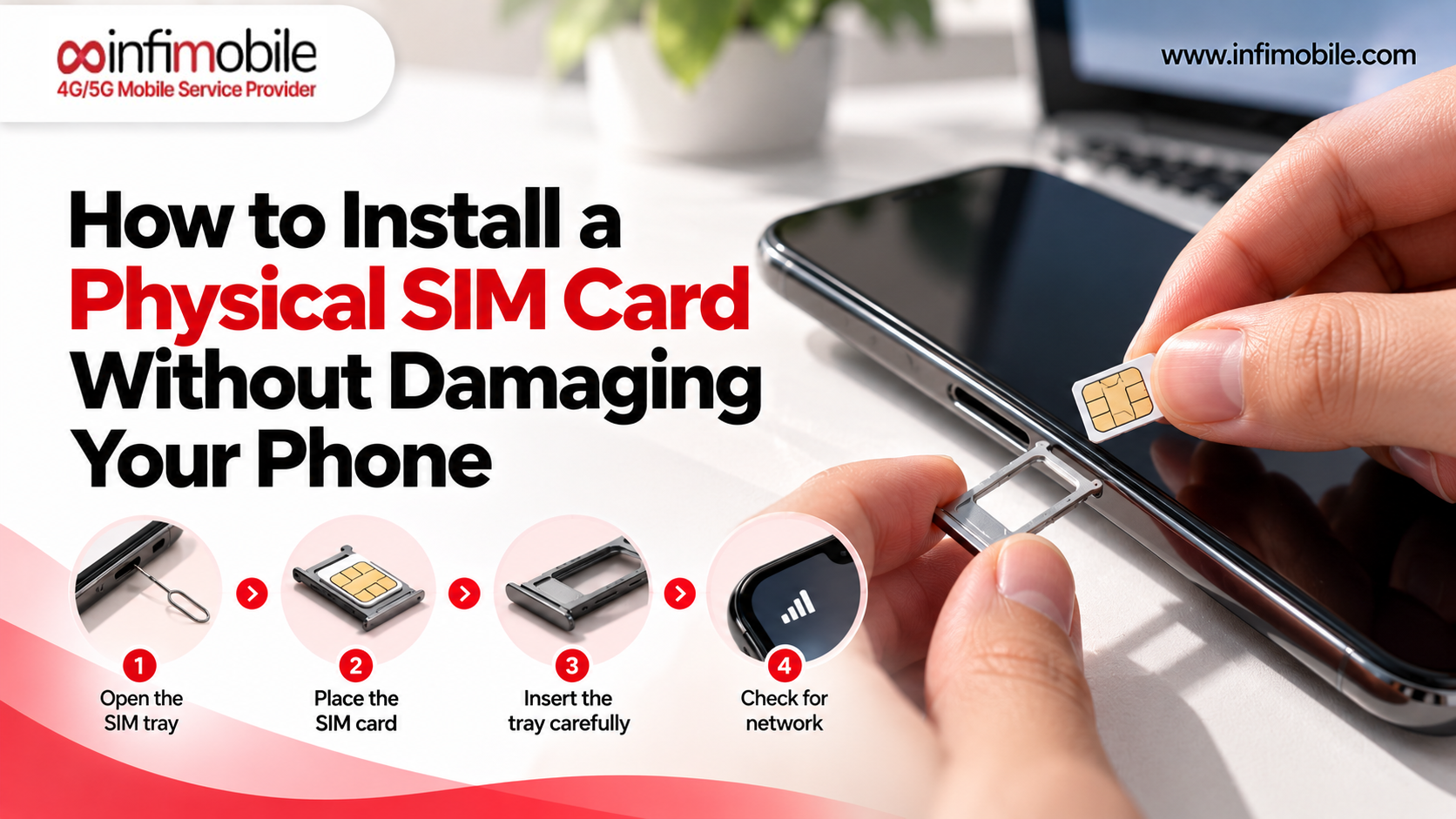
Check for SIM tray and eSIM support. Apple says iPhone 14 models and later bought in the U.S. can only be activated with an eSIM, so those phones have no physical SIM tray. Most Android phones still have a tray, and many support eSIM too. Know which you have before you order.
Know what isn’t supported. SIM-enabled smartwatches, iPads, and standalone routers aren’t currently supported on Infimobile, so don’t count on moving those lines.
Understand Who Owns the Network
Not every provider owns its network. The three national network operators, AT&T, T-Mobile, and Verizon, build and run towers. Many other brands, called mobile virtual network operators, or MVNOs, lease access to those networks and sell service under their own names, usually at lower prices. Infimobile is one of them.
This matters in four ways:
- Coverage follows the host network. An MVNO’s footprint is the same as its host network’s, so your signal depends on the network underneath, not the brand name.
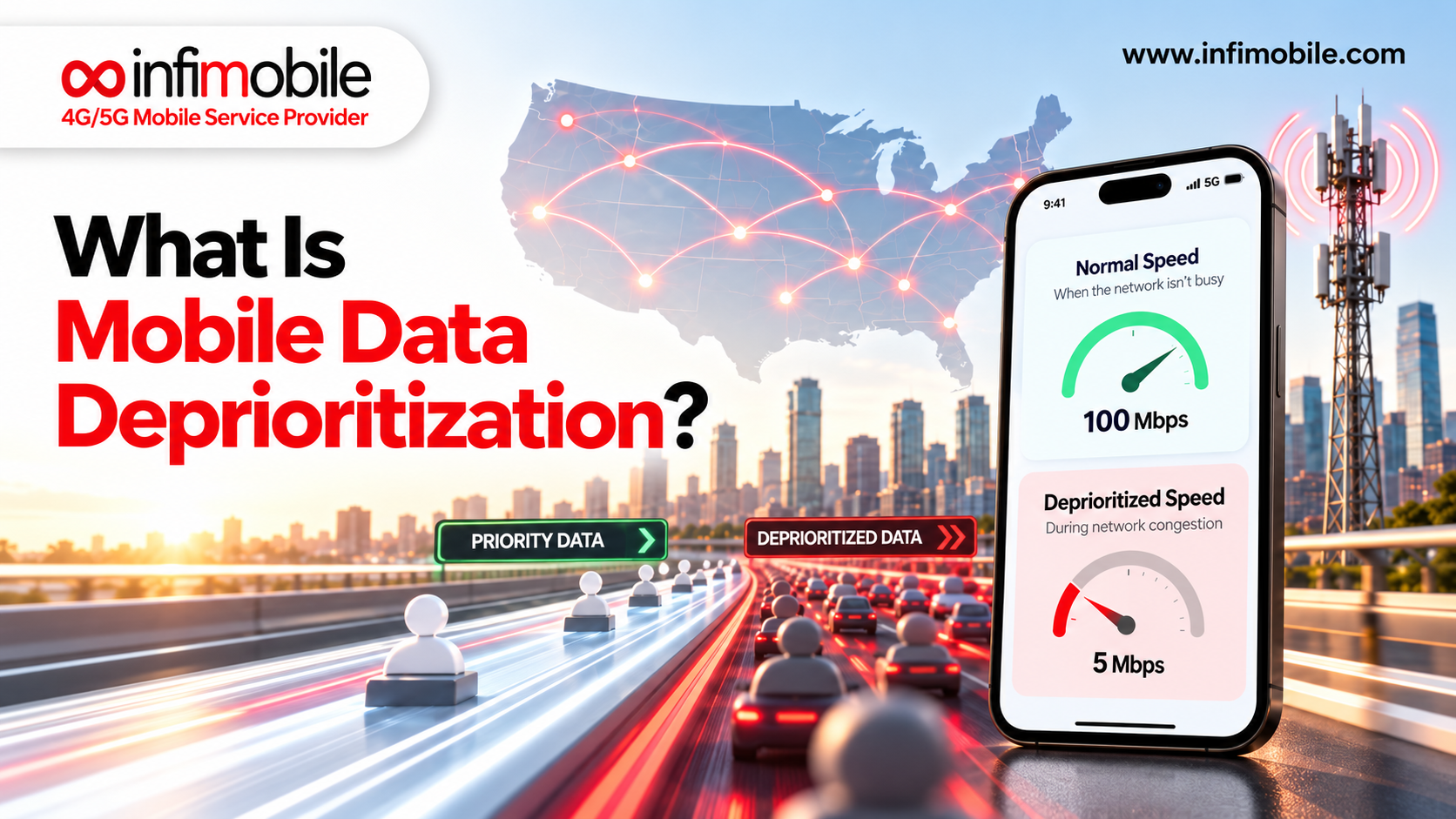
- Priority can differ. During heavy congestion, host networks typically prioritize their own customers, so MVNO data can occasionally be slower in crowded places at peak times.
- Network choice can vary. Some MVNOs run on one network only, while others let you choose. Infimobile customers choose between T-Mobile and Verizon at activation, though options can vary by plan, so confirm what’s available at checkout.
- Price differences usually come from business models. MVNOs typically avoid the costs of building networks, running large retail footprints, and subsidizing devices.
Check Coverage Where You Actually Use Your Phone
Coverage is the single most important thing to verify, and the easiest to get wrong by assuming. Switching to a provider on a different network than your current one can change your experience, for better or worse.
- Check your specific addresses, not just your city. That means home, work, and any place you spend regular time.
- Use more than one source. Look at the provider’s coverage checker, such as the one at infimobile.com/compatible, and cross-check the public maps of the networks involved.
- Think about indoors. Coverage maps show outdoor service. Thick walls, basements, and large buildings can weaken signal, so Wi-Fi calling can be a helpful backup.
- Consider your travel. If you drive long stretches, visit rural areas, or spend time in the mountains or on the coast, check those routes too.
- Test before you commit. If a provider offers a trial, use it. Infimobile offers a trial port-in option in its account portal that lets you test service on a temporary number before moving your real one.
Compare Plan Structure, Not Just Price
Two plans with the same advertised price can behave very differently. Look beyond the number.
- Monthly or upfront. Annual prepaid plans usually cost less per month but require paying for the full term at the start. That’s a good deal if you’re confident in the provider and a risk if you’re not.
- What happens when data runs out? Most prepaid plans reduce your speeds instead of charging overage fees, but the amount of high-speed data varies widely.
- Hotspot. Some plans include it, others sell it as an add-on, and some draw it from your main data.
- Talk and text limits. Many plans include unlimited talk and text, but some lower-priced tiers cap minutes and messages.
- Refund terms. Some providers offer a short money-back window, while others label plans non-refundable. Read this before paying for a long term.
- Renewal pricing. Introductory prices can differ from standard prices when your term ends, so check what renewal will cost.
- Taxes and fees. Depending on where you live, taxes and fees may apply on top of the plan price.
Think About Features and Perks
Switching often means giving up some extras and gaining others. Make a short list of what you actually use.
- Bundled subscriptions or perks that come with some postpaid plans
- International calling or roaming, which some providers include, and others don’t
- Wi-Fi calling, which helps indoors and is common across plans
- Device protection or insurance, which you may need to replace separately
- eSIM support, if you want to activate without waiting for a card
- In-store support, if you prefer in-person help to online or phone support
If you rarely use these, giving them up costs little. If you rely on one, factor it into the comparison.
Protect Your Account and Your Number
Number theft through SIM swapping and fraudulent port-outs is a real risk, which is why carriers have added security steps. You’ll run into them during a switch:
- Transfer PINs. Major carriers require a temporary PIN for you to move your number, and only the account holder can usually generate it.
- Port-out or account locks. Features like T-Mobile’s Port Out Protection and AT&T’s Wireless Account Lock block transfers until you turn them off.
- Matching details. Your name, address, and account number must match your old carrier’s records exactly.
Be cautious about anyone who contacts you asking for your PIN, and enable extra protections on your new account after the switch. Federal rules also now require stronger authentication and customer notifications for SIM swaps and port-outs.
Plan the Timing of Your Switch
A little planning prevents most headaches.
- Don’t cancel your old service first. Let the transfer complete so the old line closes on its own.
- Expect a short wait. Most ports finish within a few hours to about 24 hours, and 48 hours is a reasonable outside estimate.
- Start early if you’re chasing a deadline, such as the end of a promotion or a billing date.
- Have a backup. Keep your old SIM or eSIM profile in place until the port completes, and make sure you can use Wi-Fi calling or another way to reach people if service drops briefly.
- Back up your phone, just to be safe. A SIM swap doesn’t erase anything, but a fresh backup costs nothing.
- Review your final bill and confirm AutoPay is off once it’s paid.
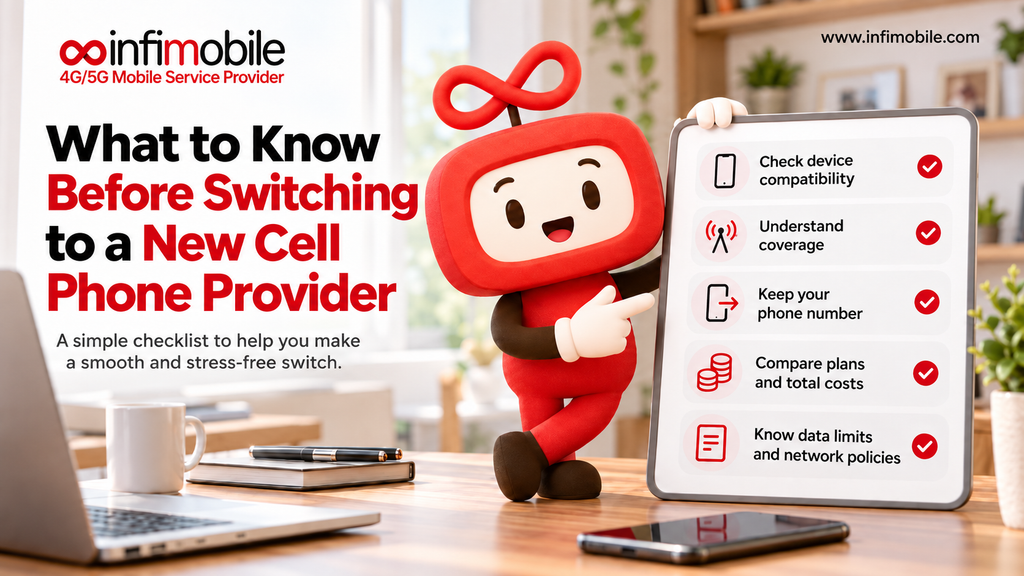
A Checklist for Any Provider
Before you commit to any new provider, you should be able to answer these:
- Which network does the service run on, and can I choose?
- What is the coverage at my home, workplace, and regular routes?
- Is my phone unlocked and compatible, and does it need a SIM or an eSIM?
- What will I owe my current provider when I leave?
- How much high-speed data do I really use, and what happens when it runs out?
- Is hotspot included, and how much?
- What are the refund, renewal, and commitment terms?
- How will I get support if something goes wrong?
How Infimobile Approaches the Switch
Infimobile is an MVNO that runs on the T-Mobile and Verizon networks, with customers choosing their network at activation. A few practical details:
Annual prepaid plans. On its plans page, the 12GB plan is $90 for 12 months (about $7.50 a month), the 20GB Premium plan is $120 (about $10 a month), and Freedom Unlimited is $150 (about $12.50 a month), with unlimited data, speeds reduced after 40GB, and a free 12-month hotspot add-on of up to 10GB per month. Other tiers are listed there too, and prices can change with promotions, so confirm current details at infimobile.com/plans.
- Bring your own phone. You can use an unlocked, compatible phone and keep your number through a port-in.
- Coverage and compatibility checker. Use infimobile.com/compatible to check your address and device.
- Trial port-in. Test service on a temporary number before moving your real one.
- Check refund terms. Several Infimobile 12-month plans are labeled non-refundable on the plans page, so confirm the terms for your plan at checkout.
- Support. Reach the team at +1 (855) 484-1855 or +1 (678) 608-1414, or at support@infimobile.com.
Frequently Asked Questions
Yes. Under FCC rules, you can generally keep your number when you change providers in the same area. Your old provider can’t refuse the port even if you owe a balance, but you still owe what you owe. Don’t cancel your old service before the transfer completes.
Not usually. If your phone is unlocked and compatible with the new network, you can keep it and swap in a new SIM or eSIM. If it’s still locked or has a balance, you may need to pay it off or wait until it’s eligible.
Often the main cost is any remaining device balance and any promotional credits you’d lose. Carriers commonly bill the full final cycle, too. Check your account for your balance and active promotions before you decide.
Most number transfers between wireless providers finish within a few hours to about 24 hours, with 48 hours as a reasonable outside estimate. Keep your old service active until the transfer completes.
Check your specific addresses with the provider’s coverage tool and the public maps of the underlying network, think about indoor and travel needs, and use a trial if one is offered. Infimobile’s checker is at infimobile.com/compatible.
The best switches are the ones planned in the right order: confirm your rights, know your costs, check your phone and coverage, compare plans honestly, and let the port finish before you cancel anything. If you’re considering Infimobile, check your address and phone at infimobile.com/compatible and see current plans at infimobile.com/plans.