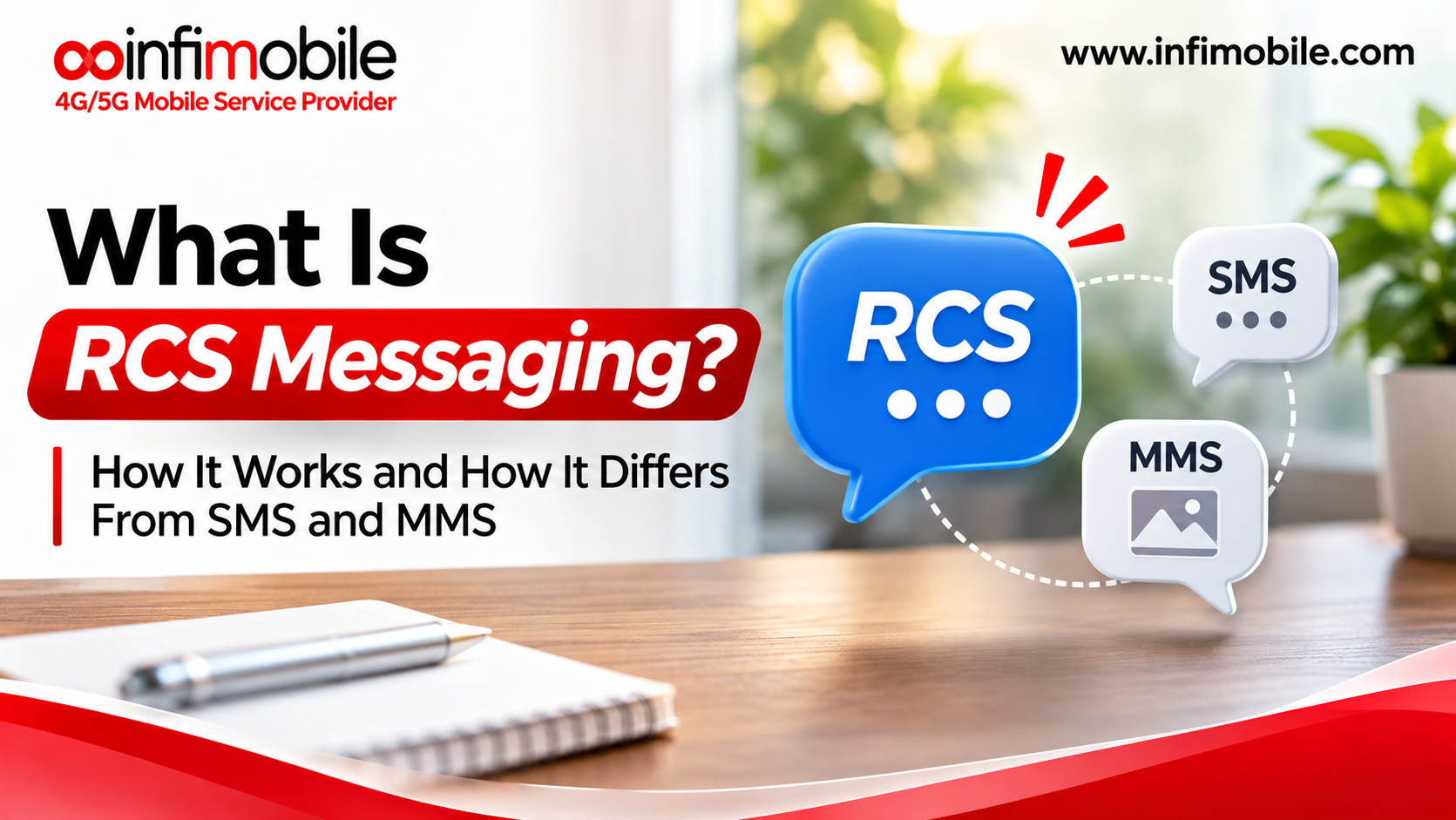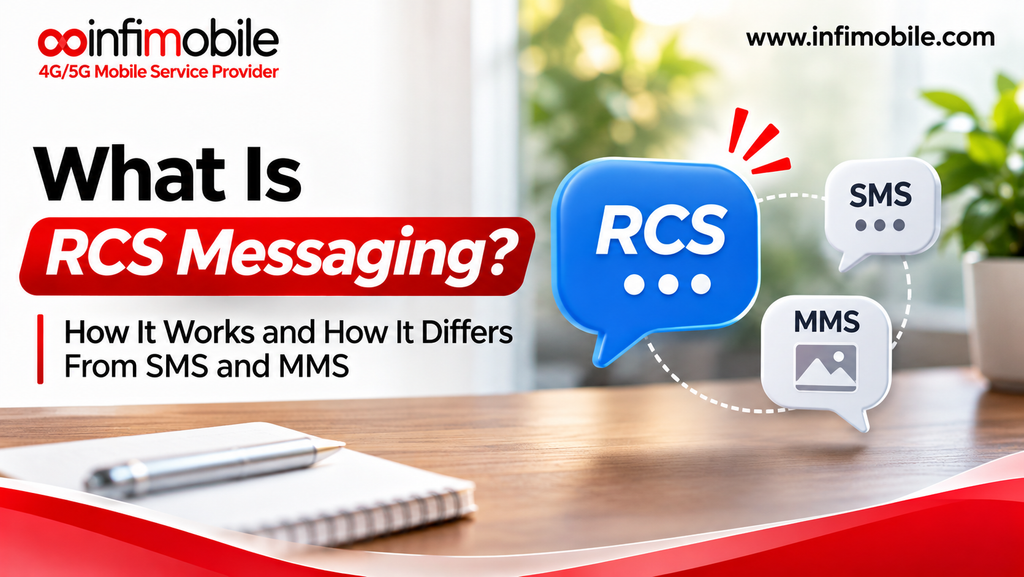
Text messaging has changed a lot over the years. For a long time, a text was just a short line of words. Then picture messages came along. Today, many people expect more from their messages. They want to see when a friend is typing, send clear photos, and chat in groups without trouble. This is where RCS messaging comes in.
If you have seen the words “RCS chats” in your phone settings or noticed that your texts with some people look different now, you may be wondering what is going on. In this guide, we explain what RCS messaging is, how it works, and how it is different from SMS and MMS. We use simple words so anyone can follow along.
What Is RCS Messaging?
RCS stands for Rich Communication Services. It is a modern messaging standard designed to replace the old text message system. You can think of it as a big upgrade for the default texting app on your phone.
With RCS, your regular texting app gets features that you may already know from apps like WhatsApp or iMessage. You can see typing indicators, get read receipts, share high-quality photos and videos, send longer messages, and chat in better group conversations. You do not need to download a new app. RCS works inside your phone’s default messaging app, as long as your phone, carrier, and app all support it.
RCS is sometimes called “chat features” or “RCS chats” in phone settings. Some people also call it the next generation of SMS. That name makes sense, because RCS is meant to do everything SMS does and much more.
A Quick Look at SMS and MMS
To understand RCS, it helps to know what came before it.
What Is SMS?
SMS stands for Short Message Service. It was first used in the early 1990s, and it is the basic text message that people have sent for decades. An SMS can only carry plain text. It is limited to 160 characters per message. If you write a longer message, your phone splits it into several parts and joins them together on the other end.
SMS is simple and reliable. It does not need an internet connection. It only needs a basic cell signal. That is why it works almost everywhere, even in places with weak coverage. But SMS has no extra features. There are no typing indicators, no read receipts, and no way to send a clear photo.
What Is MMS?
MMS stands for Multimedia Messaging Service. It was created to fix one big problem with SMS: the lack of pictures and sound. With MMS, you can send photos, short videos, audio clips, and longer text messages.
But MMS has its own limits. Files are heavily compressed, so photos often look blurry or pixelated when the other person opens them. There are also strict file size limits. Many carriers only allow files of around one megabyte or less. Videos often fail to send or arrive in very poor quality. MMS is also not great for group chats, since group messages can break or arrive out of order.
How Does RCS Messaging Work?
RCS works differently from SMS and MMS. The older systems send messages through the basic voice and signaling channels of the cell network. RCS sends messages over the internet. This means your phone uses mobile data or Wi-Fi to send and receive RCS messages.
Here is a simple way to understand the process:
- You open your messaging app and start a chat with a contact.
- Your app checks whether the other person’s phone supports RCS and has it turned on.
- If both phones support RCS, your message is sent over the internet as an RCS chat.
- If the other phone does not support RCS, or if there is no data connection, your phone sends the message as an SMS or MMS instead.
- The app shows you which type of message you are sending, so you always know.
This backup system is one of the best parts of RCS. You never have to think about which kind of message to send. Your phone picks the best option for you in the background.
Who Makes RCS Work?
RCS is built on a common set of rules called the Universal Profile. This was created by the GSMA, a group that represents mobile carriers around the world. The goal of the Universal Profile is to make sure RCS works the same way across different phones, apps, and carriers.
In the United States, Google Messages is the main RCS app on Android phones. Google also runs a service that helps carriers connect their networks for RCS. Samsung phones can also use RCS in the Samsung Messages app on many models. Apple added RCS support to the Messages app on iPhone with iOS 18. This was a big step because it let iPhone and Android users share a better texting experience for the first time.
Key Features of RCS Messaging
Let us look at the main features that make RCS stand out.
- Typing indicators: You can see when the other person is typing a reply.
- Read receipts: You can see when your message has been delivered and when it has been read.
- High-quality photos and videos: Media is sent with much less compression, so pictures and clips look sharper. Google Messages supports files up to 100 MB.
- Longer messages: You are not stuck with a 160-character limit. RCS allows much longer texts without splitting them up.
- Better group chats: You can name a group, add or remove people, and see who is typing. Messages are more likely to arrive in the right order.
- Reactions: You can react to a message with an emoji instead of writing a full reply.
- Works over Wi-Fi: RCS chats can be sent over a Wi-Fi connection, which helps when your cell signal is weak.
- Rich business messages: Companies can send messages with images, buttons, and carousels. We explain this in more detail later in this blog.
RCS vs SMS vs MMS: The Main Differences
The table below gives you a quick side-by-side look at how the three message types compare.
| Feature | SMS | MMS | RCS |
| Message type | Plain text only | Text with basic media | Text, rich media, and interactive content |
| Text length | 160 characters per message | Longer text allowed | Much longer messages |
| Photo and video quality | Not supported | Low, heavily compressed | High quality |
| File size | Not applicable | Small limits, often around 1 MB | Large files, up to 100 MB in Google Messages |
| Typing indicators | No | No | Yes |
| Read receipts | No | No | Yes |
| Group chat | Basic and often unreliable | Basic and often unreliable | Advanced and more reliable |
| Needs internet | No, only cell signal | Uses mobile data | Yes, mobile data or Wi-Fi |
| Works on any phone | Yes | Yes | Only on supported phones and apps |
As you can see, SMS is the simplest and works on every phone. MMS adds media but with poor quality. RCS gives you the full modern messaging experience, but both people need a supported phone and app to use all of its features.
Does RCS Use Mobile Data?
Yes. Because RCS messages travel over the internet, they use either mobile data or Wi-Fi. A short text message uses a tiny amount of data. You will barely notice it. But sending photos and videos over RCS can use more data, especially since the files are larger and have better quality.
If your phone has no data connection and no Wi-Fi, RCS cannot work. In that case, your phone falls back to SMS or MMS. Your message still goes through, but it will not have the extra RCS features.
Which Phones Support RCS?
Most modern smartphones support RCS today, but it depends on the phone, the messaging app, and the carrier.
- Android phones: Most Android phones support RCS through Google Messages. Many Samsung phones also support it through the Samsung Messages app.
- iPhones: iPhones running iOS 18 or newer support RCS in the Messages app, as long as the carrier supports it.
- Carriers: Major carriers in the United States support RCS. If you use a smaller or prepaid carrier, RCS support may depend on the network your service runs on.
How to Turn On RCS on Your Phone
In most cases, RCS is turned on by default. But if you want to check, here is how to do it.
On an Android Phone Using Google Messages
- Open the Google Messages app.
- Tap your profile picture in the top right corner.
- Tap Messages settings.
- Tap RCS chats.
- Turn on the option for chat features.
You may see a status message like “Connecting” and then “Connected.” Once it says Connected, RCS is ready to use.
On an iPhone
- Open the Settings app.
- Tap Messages. On newer versions of iOS, you may need to go to Apps first and then tap Messages.
- Look for RCS Messaging and turn it on.
How Can You Tell If You Are Using RCS?
Your messaging app gives you a few clues.
- Look at the text box. In Google Messages, the box shows “RCS message” when you are sending an RCS chat. It shows “SMS message” or “Text message” when you are sending a regular text.
- Watch for typing dots. If you can see typing indicators, the chat is using RCS.
- Check for read receipts. If you see “Delivered” or “Read” under your messages, you are using RCS.
- On an iPhone, iMessage chats show in blue bubbles. SMS, MMS, and RCS messages show in green bubbles. So a green bubble on an iPhone does not always mean old-style SMS. It could be RCS.
Is RCS Messaging Secure?
Security is an important question for any messaging system. Here is the honest answer: RCS is more secure than SMS in many ways, but the level of protection depends on the app and the situation.
SMS and MMS messages are not encrypted in a strong way. This means they can be seen more easily by others if the network is attacked. RCS messages are encrypted when they travel between your phone and the carrier or service provider. In Google Messages, chats between two Google Messages users on RCS can also use end-to-end encryption. This means only the sender and the receiver can read the messages.
Work is ongoing across the industry to bring end-to-end encryption to RCS chats between different platforms, such as Android and iPhone. Until that is fully in place, it is a good idea to avoid sharing very sensitive details over any text message, whether it is SMS, MMS, or RCS. For things like passwords or financial details, use a trusted and secure method instead.
Why RCS Matters for Businesses
RCS is not just for friends and family. It is also changing how businesses talk to their customers. This is called RCS Business Messaging.
With old-style SMS, a business can only send plain text with a short link. With RCS, a business can send a much richer message. It can include a verified sender name and logo, photos, buttons, and quick reply options. For example, a delivery company can send a message with a tracking map and a button to reschedule. An airline can send a boarding pass with a tap-to-check-in button. A store can send a product carousel that you can swipe through.
Verified business profiles also help build trust. When you see a brand name and logo at the top of a message, you can be more confident that the message is real. This can help reduce the risk of fake messages and scams. For customers, it means messages that are clearer, easier to use, and more helpful.
Frequently Asked Questions (FAQs)
RCS stands for Rich Communication Services. It is a modern messaging standard that adds features like typing indicators, read receipts, high-quality photos and videos, and better group chats to the default texting app on your phone.
No, they are different. iMessage is a messaging service made by Apple that only works between Apple devices. RCS is an open standard that works across different phones and carriers, including both Android phones and iPhones that support it. Both give you features like typing indicators and read receipts, but they are separate systems.
Yes. RCS messages are sent over the internet, so your phone needs either mobile data or a Wi-Fi connection. If you have neither, your phone sends the message as a regular SMS or MMS instead, so your message still gets delivered.
You can still send them a message, but it will not be an RCS chat. If the other person’s phone does not support RCS, or if they have it turned off, your message will be sent as SMS or MMS. You will only get RCS features when both people have RCS support and a working data or Wi-Fi connection.
For most people, yes. RCS offers longer messages, better photo and video quality, typing indicators, read receipts, improved group chats, and stronger encryption in many cases. SMS and MMS are still useful because they work on any phone and do not need an internet connection, which makes them a good backup. In daily use, RCS gives a much richer and more modern texting experience.
Final Thoughts
RCS messaging is a modern upgrade to the way we text. It keeps the simplicity of using your default messaging app, but adds features like typing indicators, read receipts, high-quality media, better group chats, and stronger security. It works over mobile data or Wi-Fi, and it falls back to SMS or MMS when needed, so your messages always get through.
At Infimobile, we believe that staying connected should be simple. Understanding features like RCS, SMS, and MMS helps you get more from your phone every day. If you have questions about how messaging works on your Infimobile service, our team is happy to help.