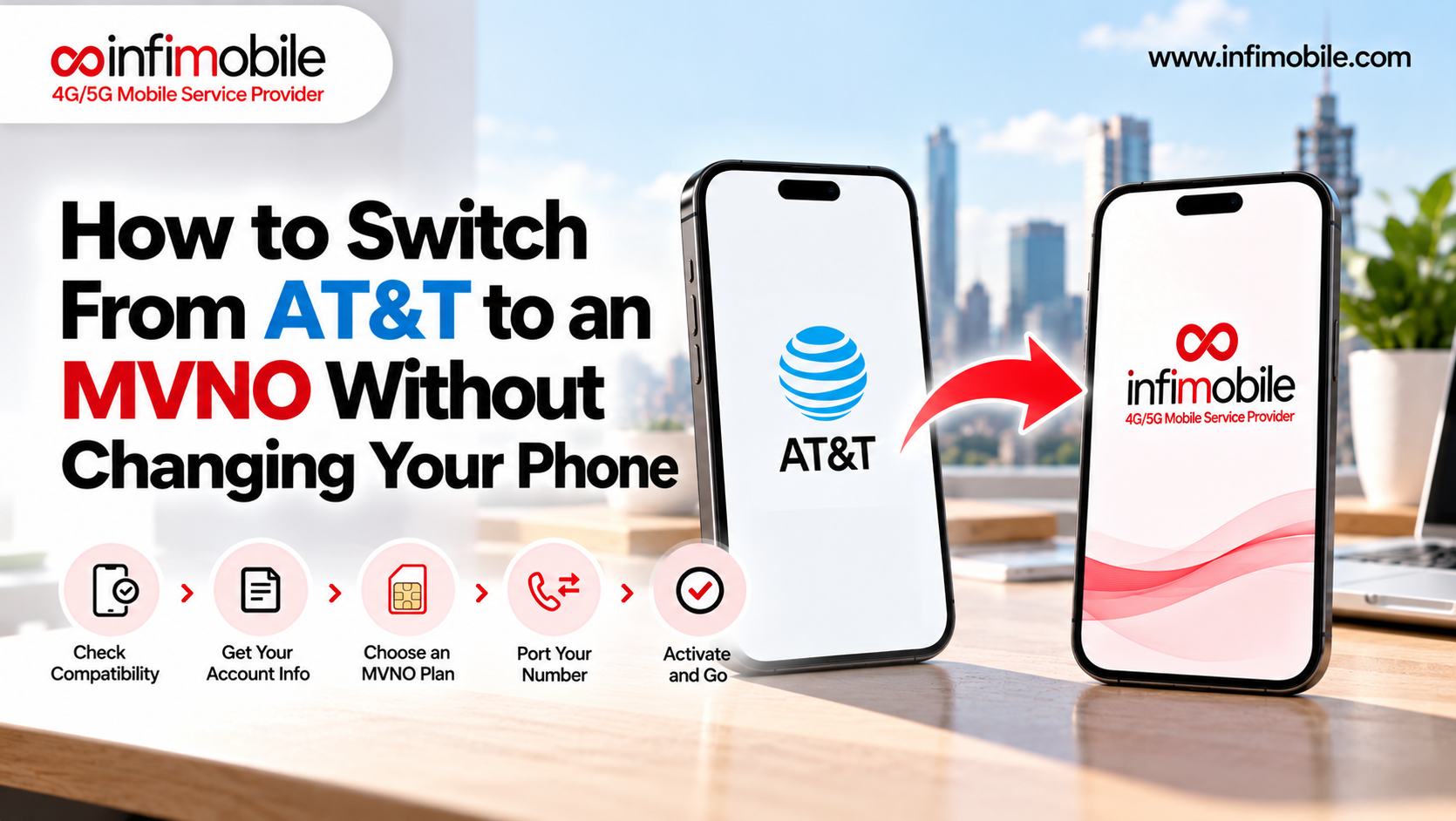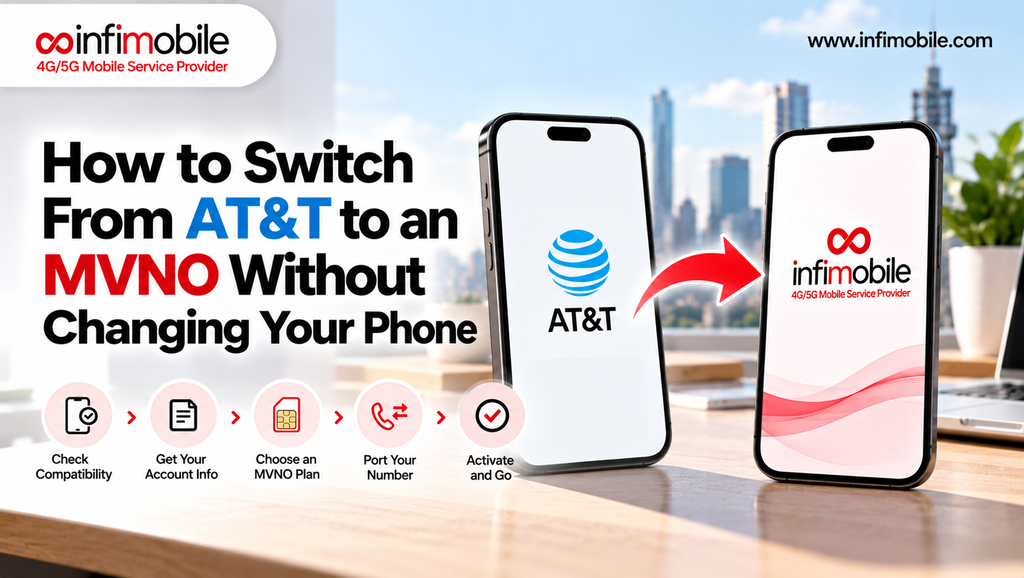
One of the biggest reasons people stay with a carrier they’re unhappy with is the phone in their pocket. It holds your photos, apps, messages, and years of habits, and the idea of replacing it just to save money on service feels like a bad trade. The good news is that you don’t have to. Most modern phones can move to a new carrier with nothing more than a SIM card or eSIM swap, and your number can come along too.
This guide explains how to switch from AT&T to a mobile virtual network operator, or MVNO, while keeping your current phone. It covers what to check before you leave, what AT&T’s rules mean for your device and your final bill, how to get your transfer PIN, and the exact steps to port your number and get connected.
Table of Contents
- What an MVNO Is and Why You Can Keep Your Phone
- Step-1-Confirm Your Phone Is Unlocked and Compatible
- Step-2-Know What Leaving AT&T Will Cost
- Step-3-Choose Your MVNO Plan and Network
- Step-4-Check Coverage Before You Leave
- Step-5-Get Your AT&T Account Number and Transfer PIN
- Step-6-Order Your SIM or eSIM and Port Your Number
- Step-7-Install, Activate, and Test
- After the Switch: Wrapping Up With AT&T
- Troubleshooting
- Faqs
What an MVNO Is and Why You Can Keep Your Phone
An MVNO is a wireless provider that doesn’t own cell towers. Instead, it leases network access from a larger operator and sells service under its own brand, usually at lower prices. Infimobile is an MVNO that runs on the T-Mobile and Verizon networks.
You can keep your phone because your phone isn’t tied to a particular company’s service, only to whatever lock the original carrier put on it. If the phone is unlocked and compatible with the network, it will accept a SIM card or eSIM from another provider. That’s called bring your own device, or BYOD, and it’s how most MVNO customers get started. Your contacts, photos, and apps stay exactly where they are. Only the SIM or eSIM changes.
Step 1: Confirm Your Phone Is Unlocked and Compatible
This is the make-or-break step. A phone locked to AT&T will only work on AT&T’s network, so it has to be unlocked before an MVNO on a different network can use it.
AT&T’s unlock requirements. AT&T has publicly stated the basics. The device must be fully paid off, the account must be current with no past-due balance, and the phone can’t be reported lost or stolen. For postpaid devices, there is also a waiting period of about 60 days, and AT&T Prepaid devices have a longer one. You can submit a request at att.com/deviceunlock or through AT&T’s device unlock app, and approval is typically quick, though it can take up to a couple of days. Certain Apple, Samsung, and Google devices may unlock automatically once they meet the requirements, while others need a manual request.
Policies like these can change, and details vary by purchase date and account type, so check AT&T’s current policy and your device’s status before you rely on any timeline.
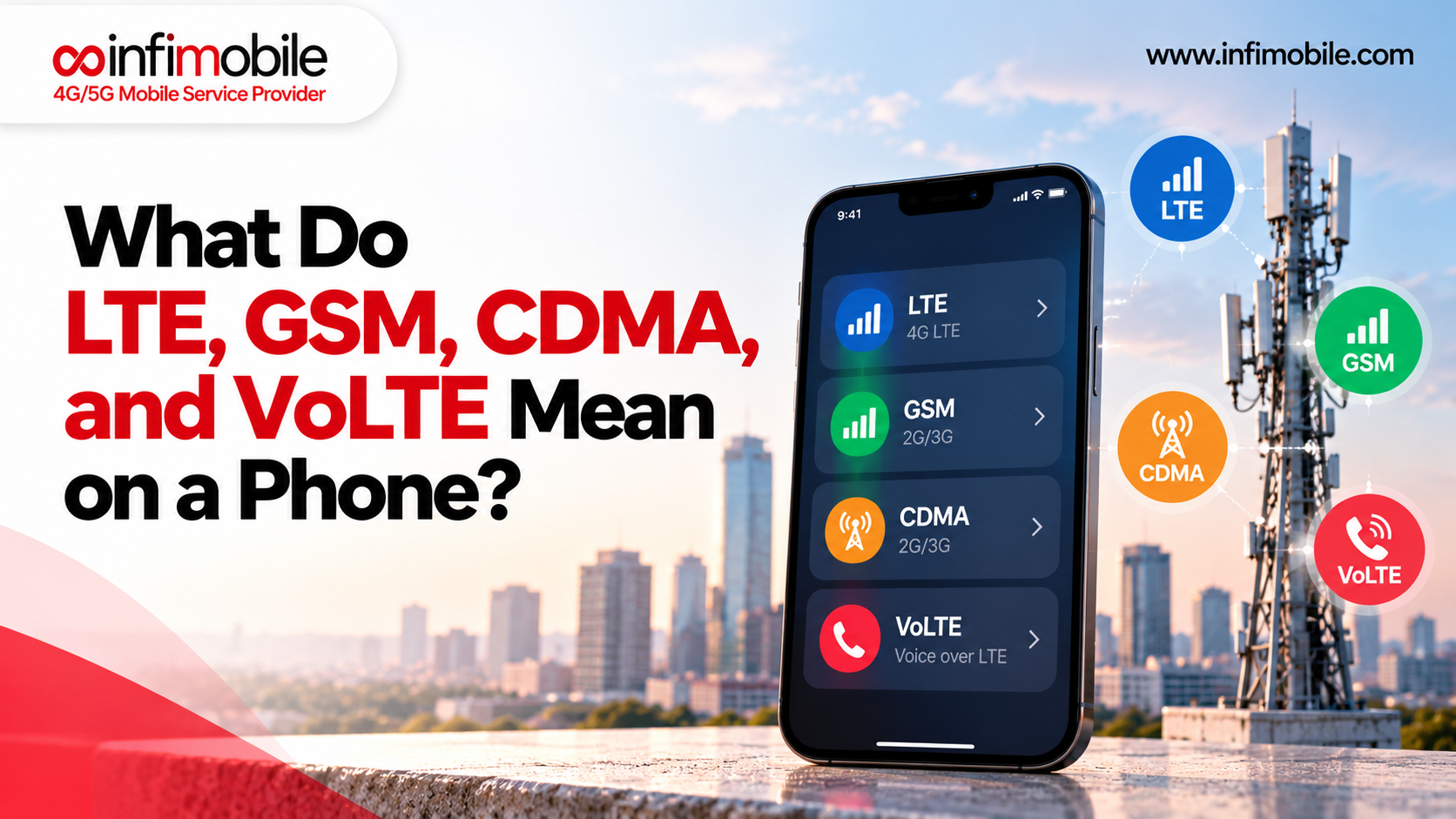
Checking compatibility. Infimobile asks that phones be unlocked and support 5G or 4G LTE and VoLTE. To check yours, dial *#06# to find your IMEI number, then enter it into the compatibility checker at infimobile.com/compatible. Because Infimobile offers both T-Mobile and Verizon networks, some devices may work better on one than the other depending on which radio bands they support, so the checker is worth running before you order. SIM-enabled smartwatches, iPads, and standalone routers aren’t currently supported.
If your phone is still locked. You have three practical choices: pay it off and then request the unlock, wait until it becomes eligible, or buy a new unlocked phone. If you’re partway through an installment plan, that decision ties directly to the next step.
Step 2: Know What Leaving AT&T Will Cost
Before you start, find out what ending your AT&T service will actually cost you. AT&T’s support pages are clear on the main points:
- Your remaining installment balance is due. The remaining unpaid installment balance on a device is due immediately when you cancel the line it’s tied to, and it appears on your final bill. That includes accessory installment agreements.
- Promotional credits stop. If you were getting monthly bill credits from a trade-in or promotion, those credits stop when the line is cancelled, leaving you to pay the remaining device balance without them.
- The last billing period isn’t prorated. AT&T notes that if you cancel mid-period, you’re responsible for the entire period.
- AutoPay can continue to apply. AT&T’s terms say that closing service doesn’t end the payment authorization for amounts still owed, so watch your final bill closely.
The practical lesson is that the cost of leaving is usually the remaining phone balance and any lost credits, not the plan itself. Sign in to your AT&T account to see your installment balance, and compare it to what you’d save over the next year on a lower-cost plan. If you’re close to paying off your phone, it may make sense to wait, since finishing the payments and unlocking the phone also solves Step 1.
Step 3: Choose Your MVNO Plan and Network
With your phone and balance sorted, choose a plan. A few questions help:
- How much data do you really use? Check the usage screen on your phone or in your AT&T account for the last few months.
- Do you need hotspot? Some plans include it, and others offer it as an add-on.
- Do you prefer paying monthly or upfront? Annual plans usually cost less per month but are paid for the full year at the start.
- Which network works best for you? This deserves careful thought, and we cover it in the next step.
Infimobile’s 12-month plans offer a few options. As shown on its plans page, the 12GB plan is $90 for 12 months (about $7.50 a month), the 20GB Premium plan is $120 (about $10 a month), and Freedom Unlimited is $175 (about $14.58 a month), with unlimited data, speeds reduced after 40GB, and a free 12-month hotspot add-on of up to 10GB per month. Other tiers are on the plans page, and pricing can change with promotions, so confirm current details at infimobile.com/plans.
Infimobile customers choose their network, T-Mobile or Verizon, at activation. Network options can vary by plan, so confirm which are available for the plan and phone you’re choosing at checkout.
Step 4: Check Coverage Before You Leave
This step is easy to skip and costly to get wrong. When you leave AT&T for an MVNO on T-Mobile or Verizon, you’re moving to a different underlying network. Coverage that worked well on AT&T at your home or workplace won’t necessarily match the experience on another network, and the reverse can be true too.
- Use Infimobile’s coverage and compatibility checker at infimobile.com/compatible to see what to expect at your address.
- Cross-check T-Mobile’s and Verizon’s public coverage maps for your ZIP code. Since your signal comes from whichever network you choose, those maps are the best guide to real-world service.
- Think about where you spend your time. Home, work, your commute, and any second location all matter.
- Try the trial port-in if you want proof. Infimobile offers a trial port-in option in the account portal that lets you test service on a temporary number before you move your real one.
If your address has strong coverage on one network and weaker on the other, that tells you which to pick at activation.
Step 5: Get Your AT&T Account Number and Transfer PIN
To move your number, the new provider needs your AT&T account number and a Number Transfer PIN. Here’s how to get both, based on AT&T’s published steps:
- Account number. You can find it online in your myAT&T account, or in the top-right corner of your bill.
- Number Transfer PIN, option 1: Dial *PORT (*7678) from your AT&T phone. Follow the prompts, and the PIN is sent to you by text. You’ll need your account passcode.
- Number Transfer PIN, option 2: Sign in to the myAT&T app, open your profile, scroll to Transfer phone number, and select Request a new PIN.
- Number Transfer PIN, option 3: Do the same on the myAT&T website under your profile.
Turn off Wireless Account Lock first. AT&T’s Wireless Account Lock is a security feature that helps prevent unauthorized transfers, and it must be turned off before you request a PIN. You can toggle it in the myAT&T app under your profile and security settings.
The PIN is temporary. Guides to AT&T’s process commonly report that a Number Transfer PIN is valid for about four days, and the same PIN can be used for lines on the same account. Generate it when you’re ready to place your order, and request a new one if it expires.
Account types differ. For business wireless accounts, only the primary user can request the PIN. AT&T Prepaid works differently and may not use a Number Transfer PIN at all, so contact AT&T for your prepaid account number and the right port-out details.
Step 6: Order Your SIM or eSIM and Port Your Number
Now you’re ready to order from your new provider. On Infimobile:
- Choose your plan and network on the plans page.
- Select your SIM type. Most plans come with a 3-in-1 physical SIM kit, and eSIM is available where your phone supports it. If your phone has no SIM tray, such as many newer iPhones, choose eSIM.
- Choose “Port In” rather than a new number.
- Enter your AT&T details: the phone number, AT&T account number, Number Transfer PIN, and the billing information on your AT&T account. Everything must match AT&T’s records exactly, because mismatches are the most common reason ports are delayed or rejected.
- Complete checkout. Infimobile then works with AT&T to transfer your number.
Step 7: Install, Activate, and Test
Back up your phone first if you haven’t recently. A SIM swap doesn’t erase anything, but a fresh backup in iCloud or Google costs nothing and gives you peace of mind.
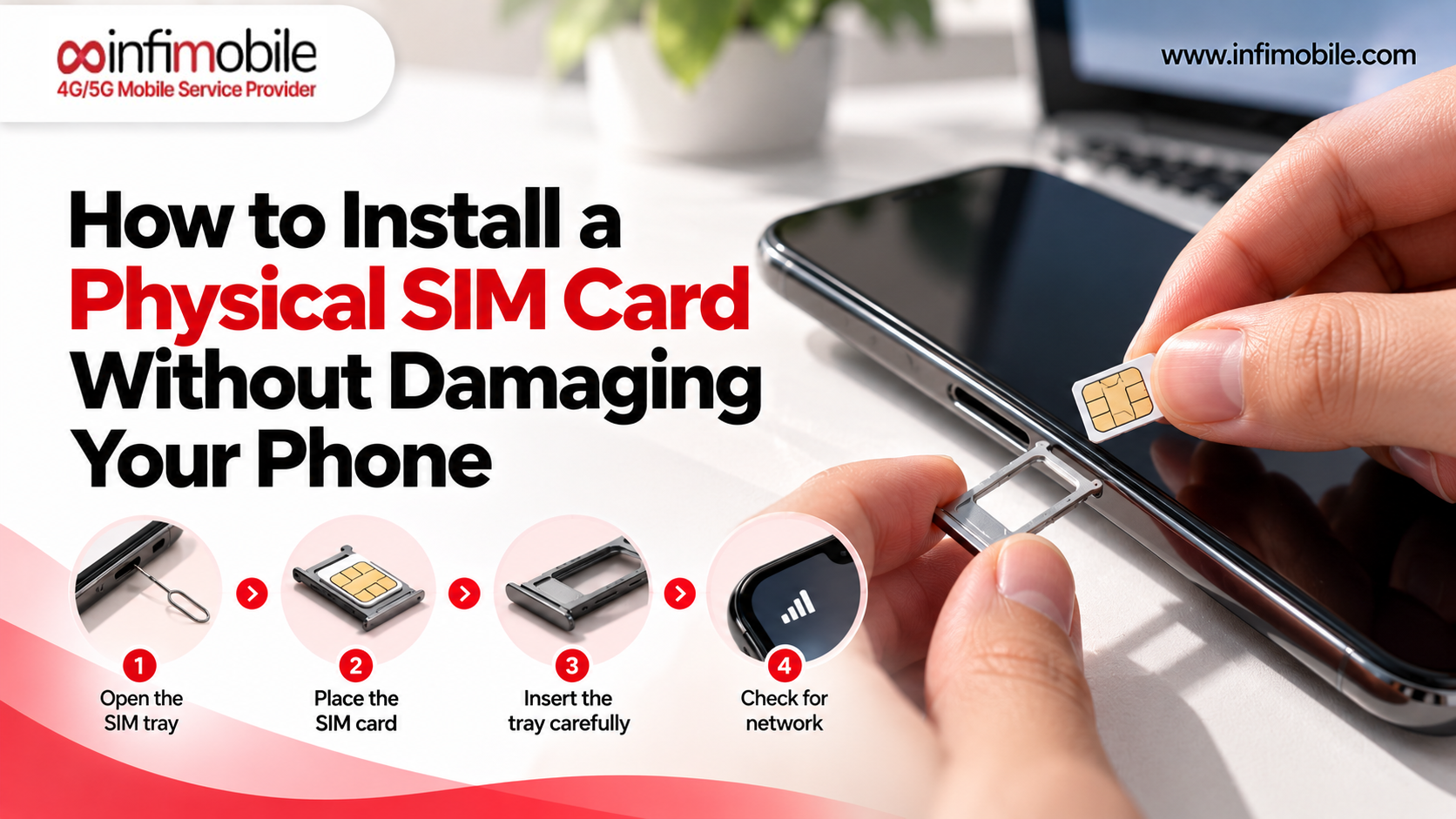
When your SIM arrives, power off your phone, use the ejector tool to open the SIM tray, press out the right size from the 3-in-1 card, and seat it in the tray, matching the notch. Reinsert the tray straight and fully. If you chose eSIM, follow the QR code and setup instructions you receive instead.
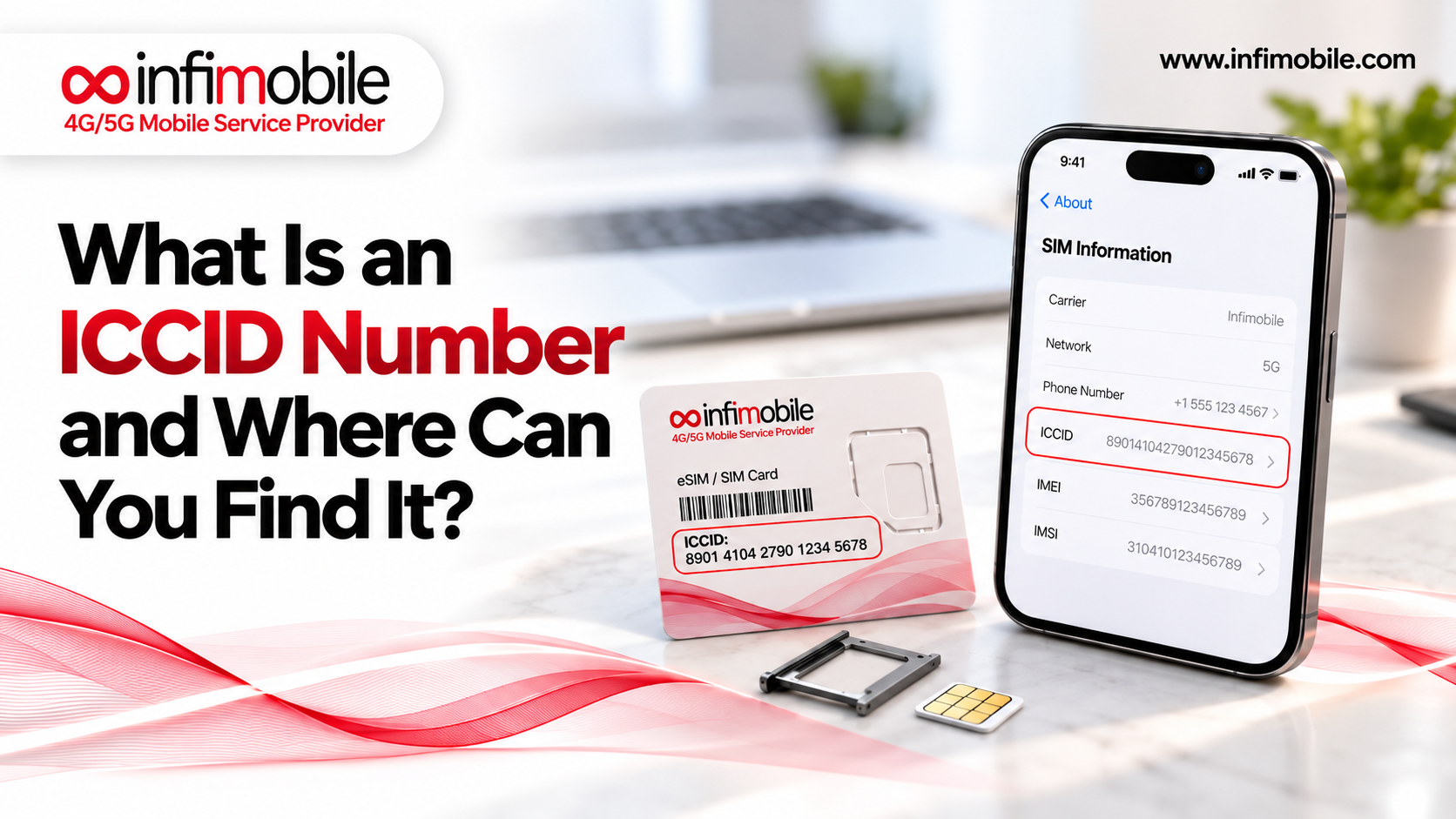
Infimobile’s help center walks through activation with the 8-digit activation code and the last 10 digits of the ICCID printed on the SIM card, either on the website or in the app. Once the port completes, restart your phone, make a test call, send a text, and confirm mobile data works.
Keep your AT&T line active until the port finishes. Don’t cancel it yourself, since canceling early can put your number at risk. Most ports complete within a few hours to about 24 hours, and 48 hours is a reasonable outside estimate.
After the Switch: Wrapping Up With AT&T
Once your number is live on the new provider:
- Review your final AT&T bill. It will include any remaining installment balance and the full final billing period.
- Keep an eye on AutoPay. Because AT&T’s terms say payment authorization can continue for amounts still owed, confirm that your final bill is paid and nothing unexpected is being charged afterward.
- Update settings on your phone. Turn on Wi-Fi calling, check voicemail, and re-save any carrier-specific settings.
- Keep records. Save your port confirmation and final bill in case you need them later.
Troubleshooting Common Problems
The port is rejected for a wrong PIN or account number. Generate a new Number Transfer PIN and check the account number in myAT&T. The PIN is temporary, so an older one may have expired.
Wireless Account Lock is blocking the transfer. Turn it off in the myAT&T app, then request a new PIN and try again.
Name or billing address mismatches. Details must match AT&T’s records exactly, including unit numbers. Update AT&T first if you’ve moved.
Your phone says it’s locked. Check your unlock status and eligibility with AT&T. If the device has an installment balance, you’ll likely need to pay it off first.
Service hasn’t switched yet. Port times vary. Keep your AT&T line active, restart your phone, and wait up to 48 hours before contacting support.
Calls work, but data doesn’t. Restart your phone, confirm mobile data is on, and check that the correct line is selected if your phone shows more than one SIM profile. If it continues, contact Infimobile support at +1 (855) 484-1855 or +1 (678) 608-1414, or by email at support@infimobile.com.
Frequently Asked Questions
Yes, if your phone is unlocked and compatible with the new network. You can port your AT&T number using your account number and a Number Transfer PIN, then insert the new SIM or set up an eSIM. Your apps, photos, and contacts stay on the phone.
AT&T requires the device to be fully paid off, the account to be current, and the phone to not be reported lost or stolen. Postpaid devices also have a waiting period of about 60 days. You can submit a request at att.com/deviceunlock or through AT&T’s unlock app, and it’s wise to check AT&T’s current policy first.
3. What happens to my phone payments if I leave AT&T?
AT&T says any remaining installment balance is due immediately when you cancel the line, and it appears on your final bill. Promotional credits tied to the device stop. Check your balance in your AT&T account before you switch.
Not necessarily. An MVNO like Infimobile runs on T-Mobile or Verizon, which are different networks from AT&T’s. Check coverage at your address using Infimobile’s checker and the public maps for both networks before you switch, and consider a trial port-in.
Switching from AT&T to an MVNO without changing your phone comes down to a few checks done in the right order: unlock status, final bill, coverage, and the transfer PIN. Verify compatibility at infimobile.com/compatible, see current plans at infimobile.com/plans, and reach Infimobile’s support team if you hit a snag.