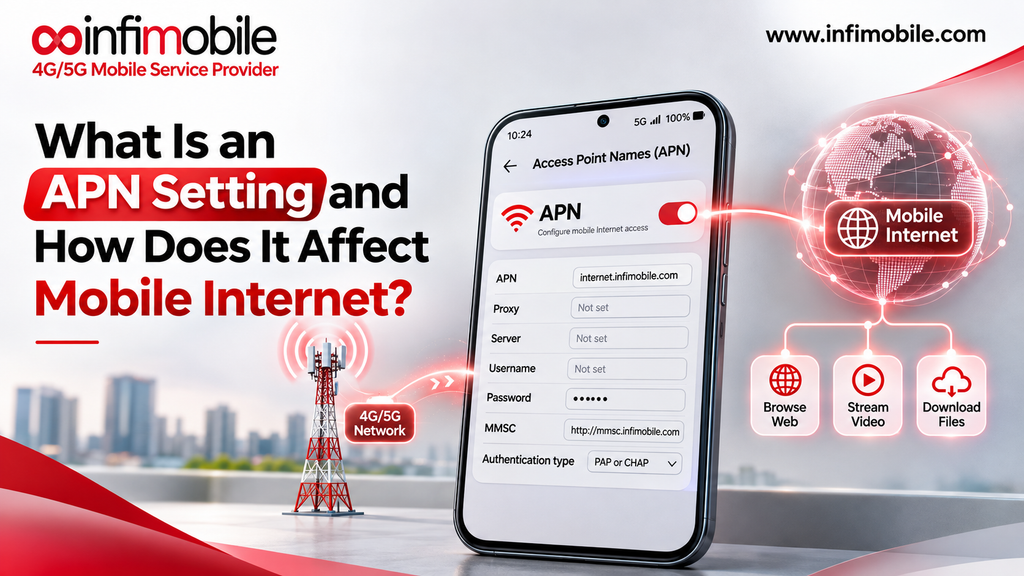
An APN setting is a small set of details that tells your phone how to connect to your carrier’s data network and reach the internet. APN stands for Access Point Name. When the settings are right, you never think about them. When they are wrong or missing, your phone can show full signal bars and still refuse to load a web page, send a picture message, or share a hotspot.
Most people never open their APN settings. But if you have just switched carriers, bought an unlocked phone, or lost mobile data for no clear reason, knowing what an APN is can save you a long support call. This guide explains what APN settings are, how they affect mobile internet, how to check them on iPhone and Android, and what to do when they cause trouble.
What Is an APN Setting?
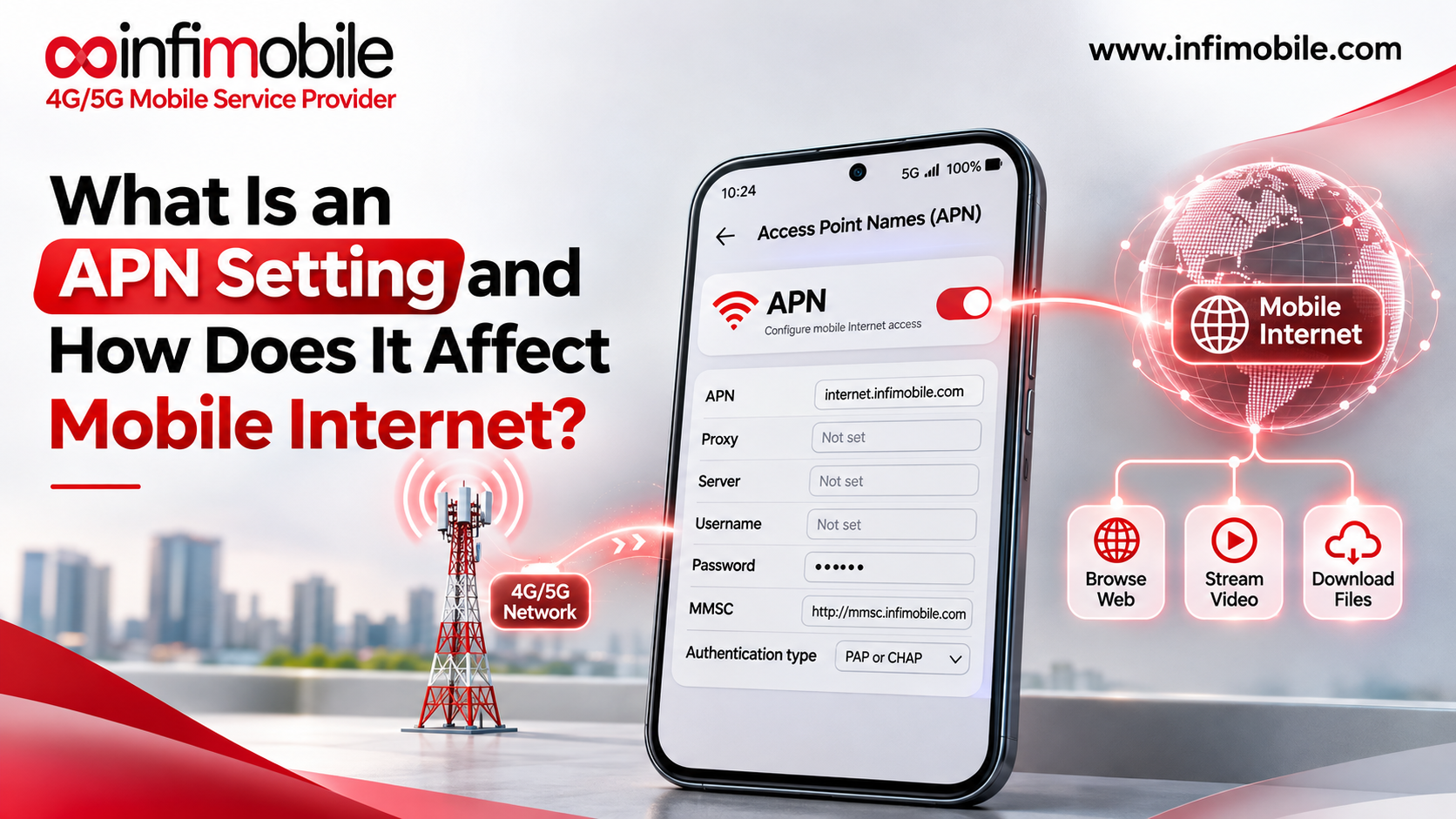
An APN setting is the configuration your phone uses to link up with a carrier’s data gateway. Think of it as an address and a set of instructions. The address points to the right entry door on the carrier’s network, and the instructions tell your phone how to knock.
APN Stands for Access Point Name
The “access point” is a gateway inside the carrier’s network. Your phone does not talk straight to the internet. It first connects to this gateway, and the gateway then passes your data on to websites, apps, and streaming services. The “name” is the label your phone uses to find that gateway.
How APN Settings Work Behind the Scenes
You do not need to be a network engineer to follow the basic flow. Here is what happens when you open a web page on mobile data:
- Your phone finds a cell tower. This gives you signal bars and lets you make calls and send texts.
- Your phone reads the APN profile. It looks up the APN name and related details stored in its settings.
- Your phone asks the carrier network for a data session. The request includes the APN name.
- The carrier checks your account. It confirms that your SIM is active and that your plan includes data.
- The network assigns your phone an IP address. This is what lets your phone send and receive internet traffic.
- Your data flows. The page loads, the video plays, or the app refreshes.
If any part of step 2 or step 3 fails because of a wrong APN, steps 4 to 6 never happen. That is why a phone can have a strong signal and zero internet at the same time.
What Is Inside an APN Profile?
An APN profile is a list of fields. Most of them can stay blank or use defaults. A few matter a lot. Here are the ones you will see most often:
| Field | What it does |
| Name | A label for the profile. It is only for you and does not affect the connection. |
| APN | The gateway name your phone requests. This is the most important field. |
| Username and Password | Needed only if the carrier requires them. Often blank. |
| MMSC | The server address used for picture and video messages. |
| MMS Proxy and MMS Port | Extra routing details for multimedia messages. |
| MCC and MNC | Codes that identify the country and carrier. Usually should not be edited. |
| APN Type | Tells the phone what the profile is for, such as general data or MMS. |
| APN Protocol | Whether the connection uses IPv4, IPv6, or both. |
The exact values differ from carrier to carrier, so there is no universal set of numbers that works everywhere. Always use the details your own carrier provides.
How APN Settings Affect Your Mobile Internet
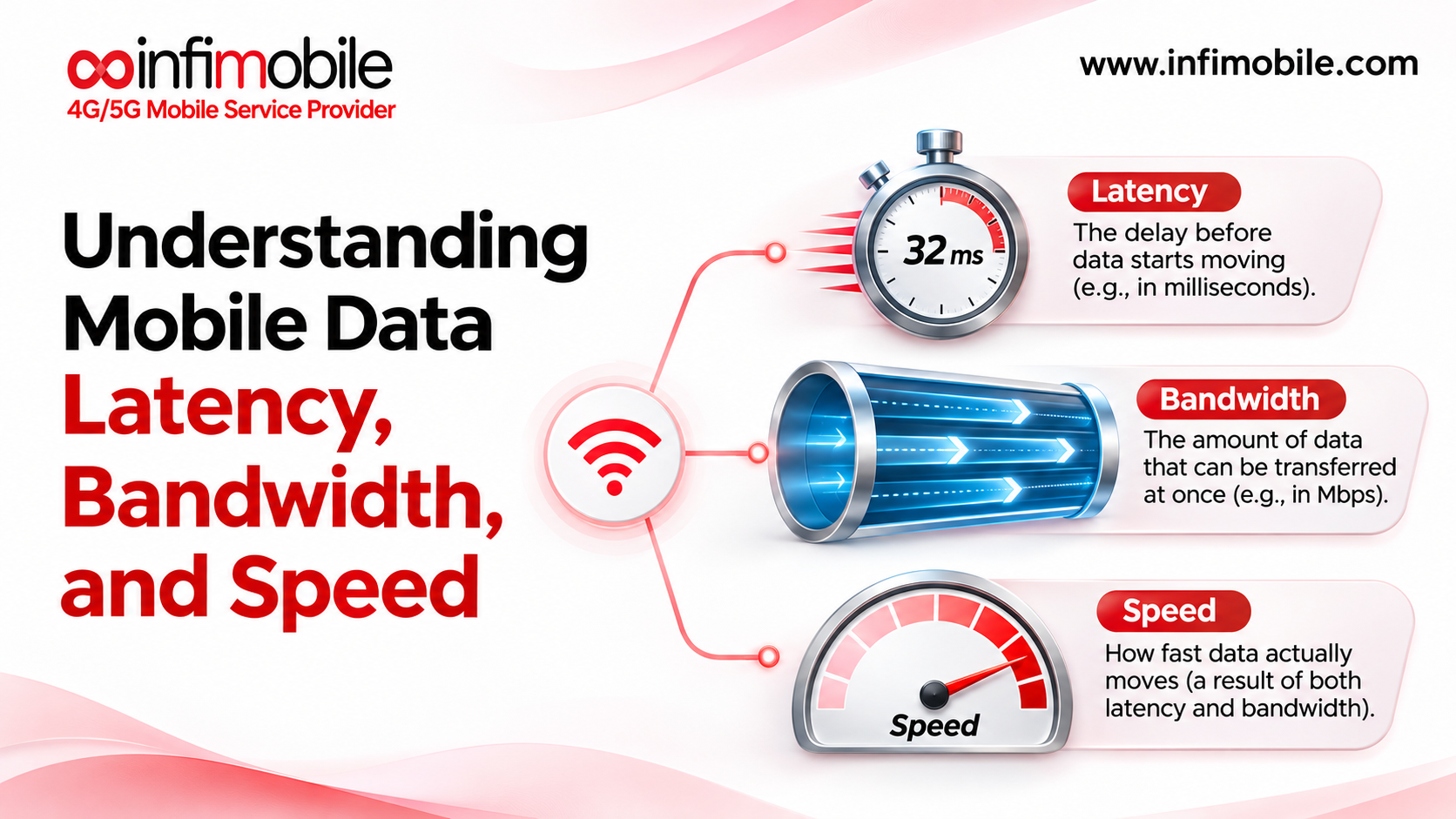
APN settings do not decide how fast your internet is. Speed depends on your plan, your signal, network congestion, and your phone. What the APN controls is whether your phone can open a data connection at all, and which services that connection supports. Here is where it makes a difference.
- Basic mobile data. A wrong or missing APN is one of the most common reasons for “connected but no internet” on cellular. Your phone may show 4G, LTE, or 5G and still load nothing.
- Picture and video messages. MMS uses its own settings, including the MMSC address. If those fields are off, texts may work while photos fail to send or download.
- Hotspot and tethering. Some phones use a separate APN type for tethering. If it is missing, your hotspot may connect to other devices but give them no internet.
- Data on a new or unlocked phone. A phone from another carrier may still carry that carrier’s APN, so your new SIM may not get a data session.
Signs Your APN Settings May Be Wrong
Not every data problem comes from the APN, but these symptoms point in that direction:
- Full or near-full signal bars with no internet on mobile data
- Wi-Fi works, but cellular data does nothing
- Calls and texts work, but apps and websites do not load
- Picture messages fail to send or receive
- Hotspot connects, but connected devices show no internet
- Data stopped working right after you inserted a new SIM or installed an eSIM
If you see two or more of these at the same time, the APN is worth checking early.
Do You Need to Change Your APN Settings?
Often, no. Modern phones usually load the right APN on their own when you insert a SIM or activate an eSIM. Your phone reads the SIM, identifies the carrier, and applies a matching profile.
When APN Settings Update Automatically
- You bought a phone from your carrier and it is already set up
- You activated a carrier-supported eSIM on a compatible phone
- You inserted a SIM into an iPhone that supports that carrier profile
When You May Need to Edit Them Manually
- You are using an unlocked Android phone that did not pick up the profile
- You moved a SIM from an old phone to a new one
- You switched carriers and the phone still shows the old carrier’s APN
- Your phone was reset to factory settings and lost its saved profile
- Your carrier’s support team told you to update a specific field
Do not change APN settings just to “boost speed.” It will not work, and a wrong entry can cut off your data.
How to Check APN Settings on an iPhone
Apple manages carrier settings tightly, so on many iPhones you will see very little to edit. The exact menu names change slightly between iOS versions, but the path is usually close to this:
- Open Settings.
- Tap Cellular or Mobile Service.
- Tap Cellular Data Options or Mobile Data Network if it appears.
- Review the fields for Cellular Data, LTE Setup (if shown), and MMS.
If the menu is missing, your carrier may manage the settings automatically through a carrier profile, which is normal. Apple also recommends checking for a carrier settings update. Go to Settings > General > About and wait a moment. If an update is available, a prompt will appear.
How to Check APN Settings on Android
Android phones usually give you more control. The menu names differ by brand, such as Samsung, Google Pixel, or Motorola, but the general path looks like this:
- Open Settings.
- Tap Network & internet or Connections.
- Tap SIMs, Mobile network, or the name of your SIM.
- Tap Access Point Names.
- Look at the profile that is currently selected.
You may see several profiles listed. Only one should be selected at a time. To add a new profile, tap the + or Add option, enter the details your carrier gave you, and save. Then pick the new profile from the list.
How to Fix Mobile Data Problems Using APN Settings
If your mobile internet is not working, work through these steps in order. Start with the simple ones.
- Check that mobile data is on. Make sure it is switched on and that Airplane Mode is off.
- Restart your phone. This forces it to read the SIM and APN profile again.
- Reseat the SIM or toggle the eSIM line. Remove and reinsert the SIM, or turn the eSIM line off and on.
- Look at your current APN. Compare it with the details your carrier provides.
- Reset to default. On Android, open the Access Point Names menu, tap the three-dot menu, and choose Reset to default. On iPhone, try Reset Network Settings (this also clears Wi-Fi passwords).
- Enter the correct APN manually. If the default does not work, add the carrier’s profile and select it.
- Save and restart. Many phones apply a new profile only after a reboot.
- Contact your carrier. If nothing works, ask them to confirm your account, SIM, and device status.
APN Problem or Something Else?
Before you spend time editing settings, it helps to rule out other causes. This quick comparison can help:
| Symptom | Likely APN issue? | Other possible cause |
| No data after inserting a new SIM | Yes, often | SIM not activated yet, plan not started |
| Data works, but slowly | Unlikely | Congestion, plan speed limits, weak signal |
| MMS fails, data works | Yes, often | MMS turned off, plan limits |
| No data and calls also fail | Unlikely | Account issue, network outage, locked phone |
Slow speeds almost never come from APN settings. If your internet is slow, check your signal and your plan’s data allowance first.
Common Types of APN Profiles
Many phones carry more than one APN profile, and each one has a job. The APN Type field tells the phone which job a profile handles. You may see values like these:
- default: Handles regular internet traffic, such as browsing, streaming, and app data.
- mms: Handles picture and video messages, and usually comes with the MMSC details.
- supl: Helps GPS get a faster location fix by using the mobile network.
- dun: Used on some devices for tethering through the phone’s connection.
- ims: Supports services like VoLTE and Wi-Fi calling.
A single profile often combines several types, for example “default,supl”. When a phone has separate profiles for data and MMS, both need to be correct for everything to work.
APN Settings, VoLTE, and Wi-Fi Calling
Modern phones use mobile data for more than browsing. Voice over LTE (VoLTE) carries calls over the data network, and it depends on a separate IMS connection. If that profile is missing or broken, you might see odd problems: calls that fail on 4G or 5G, or a Wi-Fi calling option that will not turn on. Your phone usually handles this profile on its own, and it is not something to edit by hand unless your carrier tells you to.
Common APN Mistakes to Avoid
Small errors cause most APN problems. Watch out for these:
- Extra spaces or wrong capital letters. Some carriers expect exact text.
- Copying values from an old forum post. Settings can be outdated or belong to another carrier.
- Editing MCC and MNC without a reason. These codes identify the network and can break the profile if changed.
- Forgetting to select the profile. Saving it does not always make it active.
- Blaming the APN for everything. Plenty of data issues have other causes, as the comparison table above shows.
Frequently Asked Questions
A wrong APN usually blocks the connection rather than draining data, since your allowance is only used when traffic actually flows. The phone may use slightly more battery while it keeps trying to connect. If data or battery disappears faster than expected, check background app activity first.
Resetting only the APN does not affect Wi-Fi. On Android, “Reset to default” in the Access Point Names menu changes just the mobile data profiles. On an iPhone, the broader Reset Network Settings option does clear saved Wi-Fi networks and Bluetooth pairings, so use it as a later step and keep your Wi-Fi passwords handy.
This message appears when the phone has no usable APN profile for the inserted SIM. It often happens after a carrier switch, a factory reset, or when an unlocked phone does not recognize the carrier. Restart the phone, check for a carrier settings update, and confirm that your line is active. If the message stays, add the correct APN or ask your carrier to confirm it.
Yes, an eSIM still uses an APN to connect to mobile data. The difference is that the profile usually arrives together with the eSIM during setup, so you rarely have to enter anything. If data does not work after an eSIM is installed, make sure the eSIM line is selected for cellular data, then restart the phone before looking at APN fields.
The APN value belongs to the carrier, so the same details apply across devices on that carrier. But menu names and available fields differ between iPhone, Samsung, Pixel, and other models, and a phone locked to another carrier may refuse a new profile.
Final Thoughts
An APN setting is the link between your phone and your carrier’s data network. It does not control speed, but it decides whether your phone can get online at all, and whether picture messages and hotspot work properly. Most phones set it up automatically, so you will rarely need to touch it.
When mobile data fails, start with the basics: check that your line is active, restart the phone, and confirm the phone is unlocked and compatible. Only then compare your APN against your carrier’s details, change one field at a time, and avoid copying values from unofficial sources.