Why Does My Phone Keep Losing Network Signal?
You’re in the middle of a call or halfway through loading a map when the bars suddenly vanish. A moment later, “No Service” flashes across your screen. If this happens more often than it should, you’re not imagining it, and you’re not alone. Dropped signal is one of the most common frustrations mobile users report, and it can come from many sources: your location, your device, your carrier’s network, or even the weather outside.
The good news is that most signal problems have a clear cause and a practical fix. In this guide, we’ll walk through exactly why your phone keeps losing network signal, how to troubleshoot it step by step, and why the carrier and plan you choose might matter more than you’d expect, including how Infimobile’s nationwide coverage and flexible prepaid plans are built to keep you connected wherever your day takes you.
Common Reasons Your Phone Keeps Losing Signal
Signal loss rarely comes down to a single culprit. More often, it’s a combination of where you are, what you’re using, and how your carrier’s network is built. Here are the most frequent reasons your bars disappear.
1. You’re in a Coverage Dead Zone
Every carrier’s network is built around a footprint of cell towers, and no footprint covers 100% of the map perfectly. Rural roads, mountain passes, basements, parking garages, and even certain neighborhoods within a city can sit in gaps between towers. If you consistently lose signal in the same handful of places on your commute, at work, or in a specific room in your house, you’re likely dealing with a genuine coverage gap rather than a device problem. The fix here usually isn’t a setting you can toggle; it’s a network issue that depends entirely on how strong your carrier’s coverage actually is in that area.
2. Physical Obstructions and Building Materials
Cell signals are radio waves, and radio waves don’t pass through everything equally well. Concrete, steel framing, low-emissivity glass, and even dense insulation can absorb or reflect a signal before it reaches your phone. This is why you might have full bars outside your office but only one bar at your desk, or why signal drops the moment you step into an elevator or a stairwell. Older buildings with thick masonry walls and newer buildings with energy-efficient window coatings are both notorious for blocking signal, just for different structural reasons.
3. Network Congestion During Peak Hours
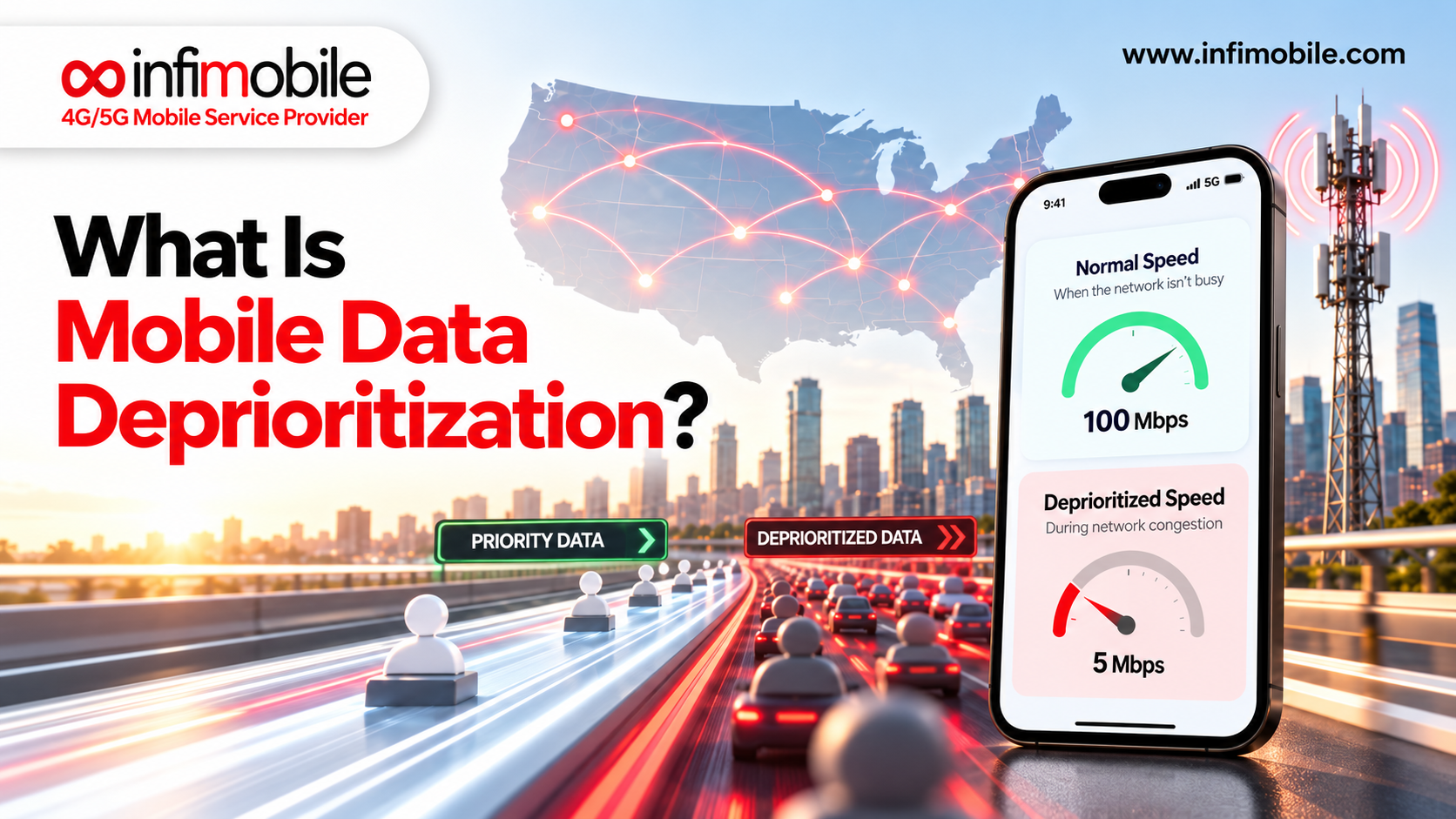
Even with strong coverage, a cell tower can only handle so many connections at once. During high-traffic periods evening rush hour, big local events, holidays, or lunchtime in a busy downtown core towers can become congested. When that happens, your phone may hold onto a weaker connection, get bumped to a slower network type, or drop the connection entirely while it searches for available capacity. This kind of signal loss is usually temporary and location-specific, easing up once the crowd (and the traffic on the tower) thins out.
4. Weather and Environmental Interference
Heavy rain, snow, and dense fog can all interfere with radio frequency transmission, particularly on higher-frequency 5G bands that rely on shorter wavelengths. Storms can also cause temporary tower outages or force carriers to reduce power output for safety reasons. If your signal dips specifically during bad weather, this is very likely the reason, and service should return to normal once conditions clear.
5. Outdated Software or Incorrect Network Settings
Your phone’s operating system and carrier settings quietly manage how it searches for and holds onto a signal. When these fall out of date, or a setting is changed accidentally, your phone can struggle to connect even in areas with strong coverage. Carrier settings updates, in particular, contain small but important adjustments that tell your device how to interact with local towers. Skipping these updates or having Airplane Mode, network mode, or APN settings misconfigured is a surprisingly common, and surprisingly fixable, cause of persistent signal problems.
6. SIM Card Issues
Your SIM card (or eSIM profile) is what authenticates your phone on the network. A SIM that’s damaged, dirty, improperly seated, or simply old can cause intermittent signal loss even when everything else about the phone is working fine. If you’ve recently dropped your phone, gotten it wet, or switched SIM cards between devices, a SIM-related issue is worth ruling out early.
7. Distance From the Nearest Cell Tower
Signal strength naturally weakens the farther you are from a tower, and it weakens faster if there’s terrain, distance, or obstacles in between. If you live or work at the edge of a coverage area, you may get a technically “available” signal that’s too weak to hold a stable connection, especially indoors. This is different from a true dead zone: the signal exists, but it’s thin enough that small changes in your environment can knock it out.
8. Your Carrier’s Network Isn’t Built for Where You Live
This is the one people overlook most often. Every carrier leases or owns access to different combinations of network infrastructure, and coverage quality genuinely varies by provider, not just by location. Two phones standing in the same spot, on two different carriers, can show a noticeably different number of bars. If you’ve ruled out your device, settings, and SIM card, and you’re still losing signal in the same spots day after day, the network your plan runs on may simply not be optimized for your area, meaning the real fix might be a different plan, not a different phone.
How to Fix a Phone That Keeps Losing Signal
Before assuming the worst, work through these troubleshooting steps in order. Most people find the culprit within the first few.
- Restart your phone. It sounds basic, but a restart forces your device to re-search for the strongest available tower and clears out minor software glitches that can interfere with signal.
- Toggle Airplane Mode on and off. This resets your phone’s radio connection without a full restart, and it’s often enough to reconnect to a stronger signal.
- Check for carrier settings and software updates. Go into your phone’s settings and confirm both the operating system and carrier settings are current. These updates frequently include fixes specifically for connectivity issues.
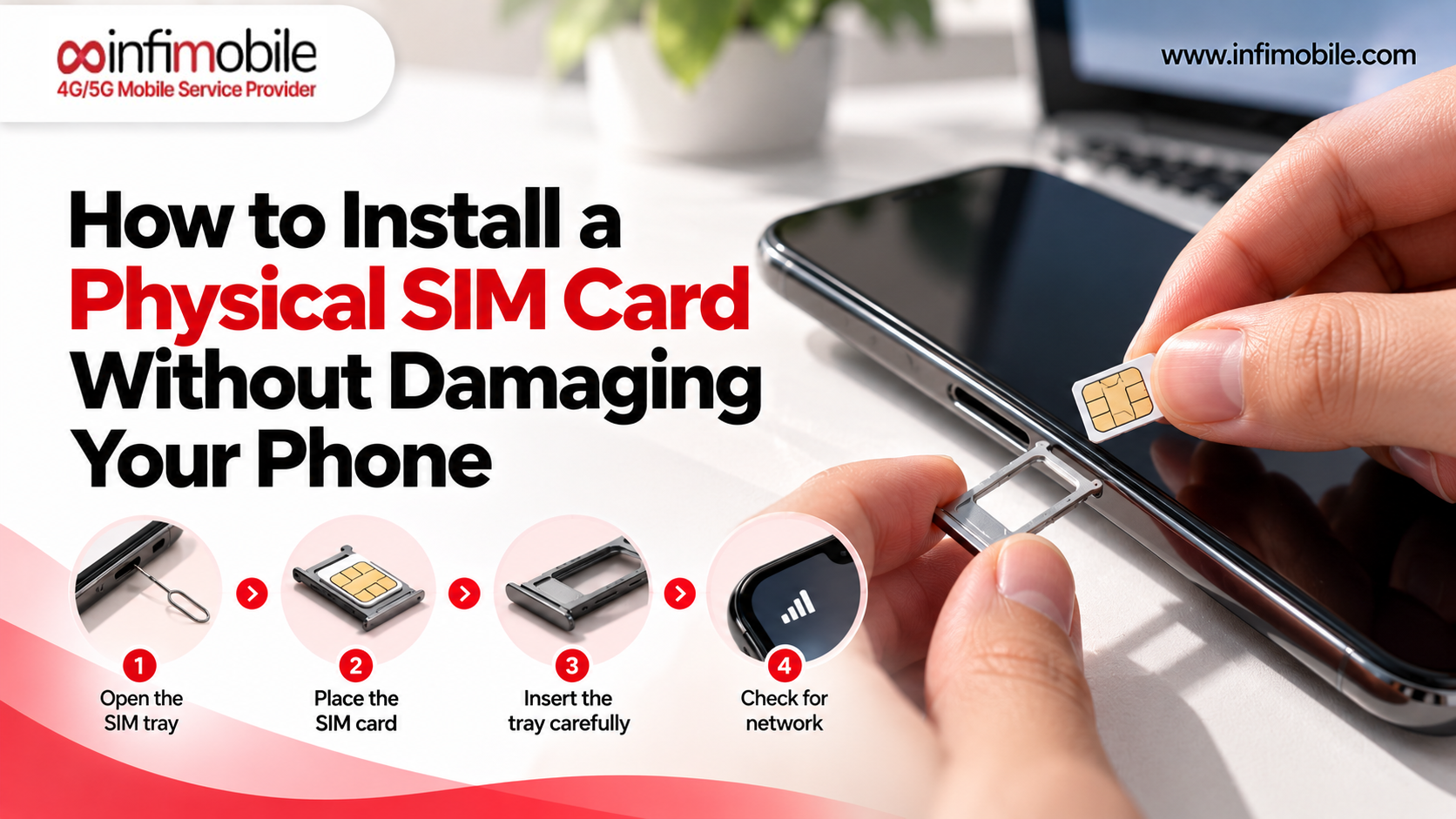
- Reseat or replace your SIM card. Power off your phone, remove the SIM tray, check for dirt or damage, and reinsert it firmly. If the card looks worn or bent, request a replacement from your carrier.
- Turn off Wi-Fi Calling temporarily. In some cases, a phone stuck trying to use a weak Wi-Fi connection for calls will ignore a perfectly good cellular signal. Disabling it can force the phone back onto the cell network.
- Reset your network settings. This clears saved Wi-Fi networks, Bluetooth pairings, and APN configurations, and rebuilds them from scratch, which is useful if a setting was quietly misconfigured.
- Check your account status. An expired plan or paused line can sometimes look like a signal problem rather than a billing one, so confirm your account is active and in good standing.
- Test in a different location. If the problem disappears once you leave a specific building or neighborhood, you’re likely dealing with a localized dead zone rather than a device fault.
- Try a different SIM or eSIM, if you have access to one. Testing another provider’s SIM in the same spot is the clearest way to tell whether the issue is your phone or your network.
If you’ve gone through this list and you’re still losing signal in the same predictable spots, the problem most likely isn’t your phone at all; it’s the network your plan is riding on.
When the Problem Isn’t Your Phone: It’s Your Carrier
It’s an easy thing to overlook, but your carrier’s network coverage is the single biggest factor in how reliable your signal actually is. Software updates, restarts, and SIM swaps can only fix so much if the underlying network simply doesn’t reach your area with enough strength.
This is where many people end up paying for premium, expensive plans on a “big name” network without realizing that coverage in their specific neighborhood, workplace, or commute might actually be better and far more affordable on a different provider. Many prepaid carriers run on the same nationwide towers as the major networks, offering comparable coverage for a fraction of the cost, without locking you into a contract.
If your signal issues are tied to your location rather than your device, the most effective fix isn’t another troubleshooting step; it’s making sure your plan runs on a network built for reliable, nationwide reach, priced in a way that doesn’t punish you for wanting dependable service.
Why Infimobile Is Built to Keep You Connected
Infimobile is a prepaid wireless provider built around one simple idea: dependable nationwide coverage shouldn’t come with an inflated price tag or a long-term contract. Every plan runs on a robust nationwide network with access to 4G LTE and 5G speeds where available, giving you the same broad coverage footprint that keeps you connected on highways, in suburbs, and across most cities without the premium pricing that often comes attached to it.
Here’s what comes standard with an Infimobile plan:
- Nationwide 4G/5G coverage, so you’re not left guessing about signal strength when you travel outside your home area.
- Unlimited talk and text, included with every data tier.
- No activation fees and no long-term contracts you know exactly what you’re paying for, up front.
- Easy digital activation, with a 3-in-1 SIM card kit or eSIM option so you can get set up in minutes.
- Wi-Fi Calling and Wi-Fi Texting, which can help maintain connectivity in buildings or areas where cellular signal is weaker.
- Bring-your-own-device compatibility, so you can often keep your current phone and phone number.
- Optional hotspot add-ons, for when you need to share your connection with a laptop or tablet.
Because Infimobile focuses entirely on prepaid, straightforward plans, there’s no bundling of services you don’t need just reliable connectivity at a price that reflects it.
Infimobile Prepaid Plans(Flash Sale): 10GB and 20GB for 12 Months
If frequent signal drops have you rethinking your current carrier, Infimobile currently offers two limited-time annual plans built for anyone who wants a full year of predictable, affordable coverage.
| 10GB Annual Plan | 10GB high-speed data/month | 12 months | $75 | ~$6.25/month |
| 20GB Annual Plan | 20GB high-speed data/month | 12 months | $120 | ~$10/month |
Both plans include unlimited nationwide talk and text, access to Infimobile’s 4G/5G network, and the same easy online activation process. After your monthly high-speed data allotment is used, data continues at reduced speeds for the remainder of that month, so you’re never fully cut off, just slowed down until your next cycle resets.
This structure is especially useful for anyone tired of losing signal on a patchwork or overcrowded network, or just tired of unpredictable monthly bills. One upfront payment covers twelve months of coverage, with no surprise charges in between.
These offers are part of a limited-time online promotion for new activations, so it’s worth locking in a plan before pricing changes. Terms and eligibility apply, and full details are available on Infimobile’s website.
Which Plan Fits Your Usage: 10GB or 20GB?
Choosing between the two annual plans usually comes down to how you use your phone day-to-day. If most of your data use happens over home or office Wi-Fi, and your phone mainly handles messaging, calls, maps, and light browsing while you’re out, the 10GB monthly allotment is typically enough to get through the month comfortably.
If you regularly stream music or video on the go, work from your phone outside of Wi-Fi, or lean heavily on navigation and social apps throughout the day, the 20GB plan gives you noticeably more breathing room. The cost gap between the two works out to less than four dollars a month, so it’s worth going bigger if you’re unsure which category you fall into. Either way, both plans share the same nationwide network access, unlimited talk and text, and activation process; the only real difference is your monthly data ceiling.
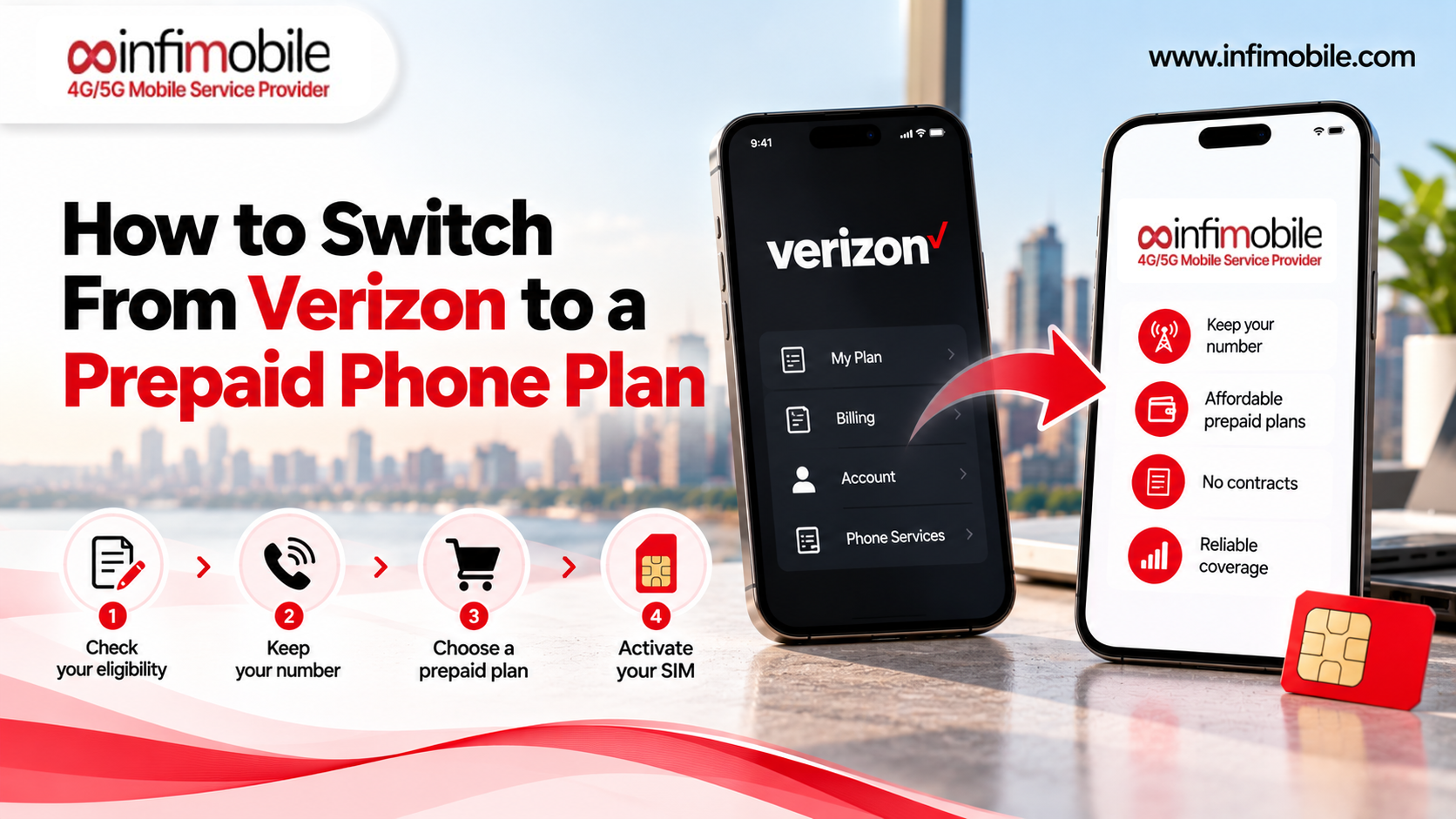
Switching Providers Without Losing Your Number
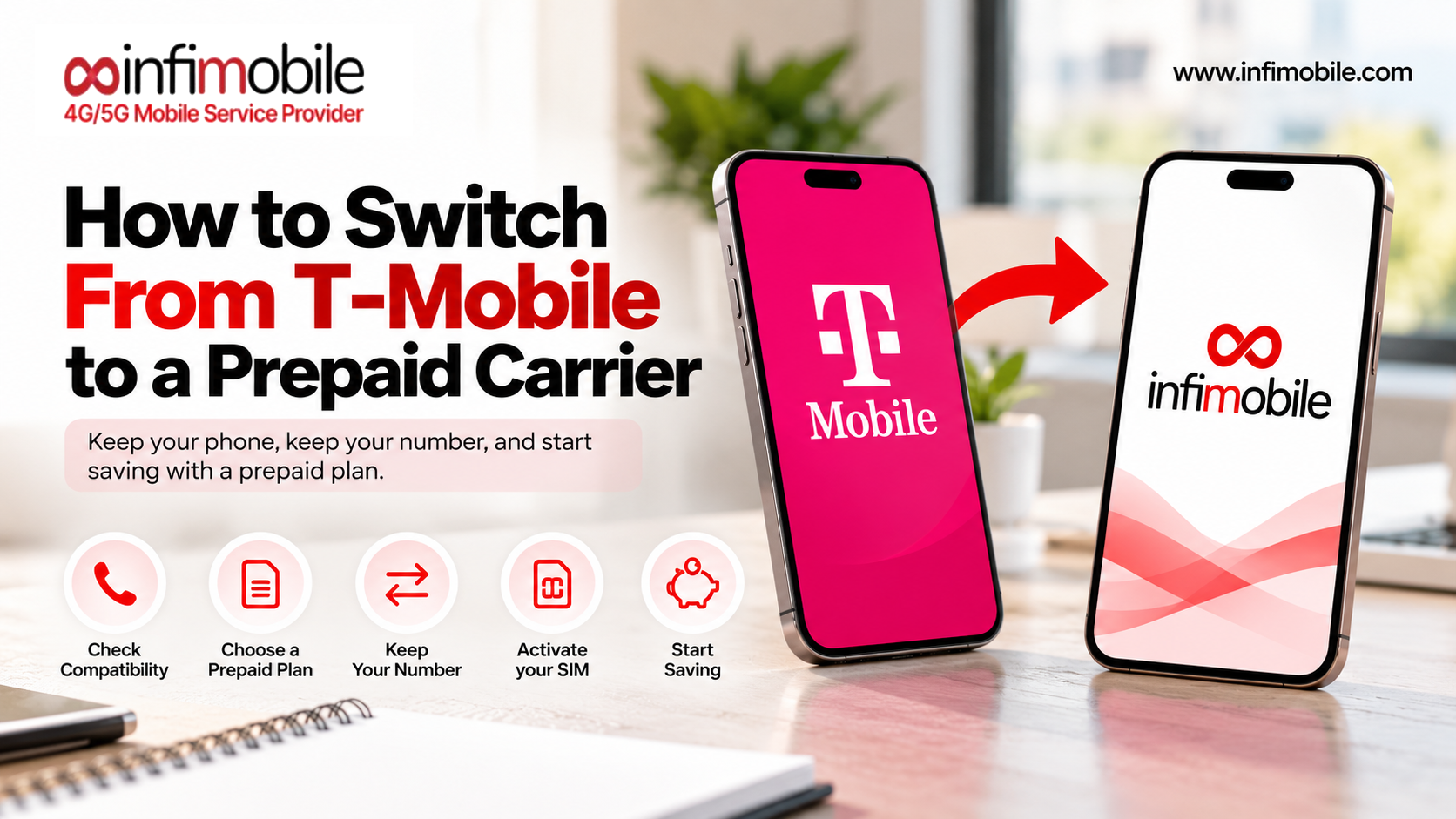
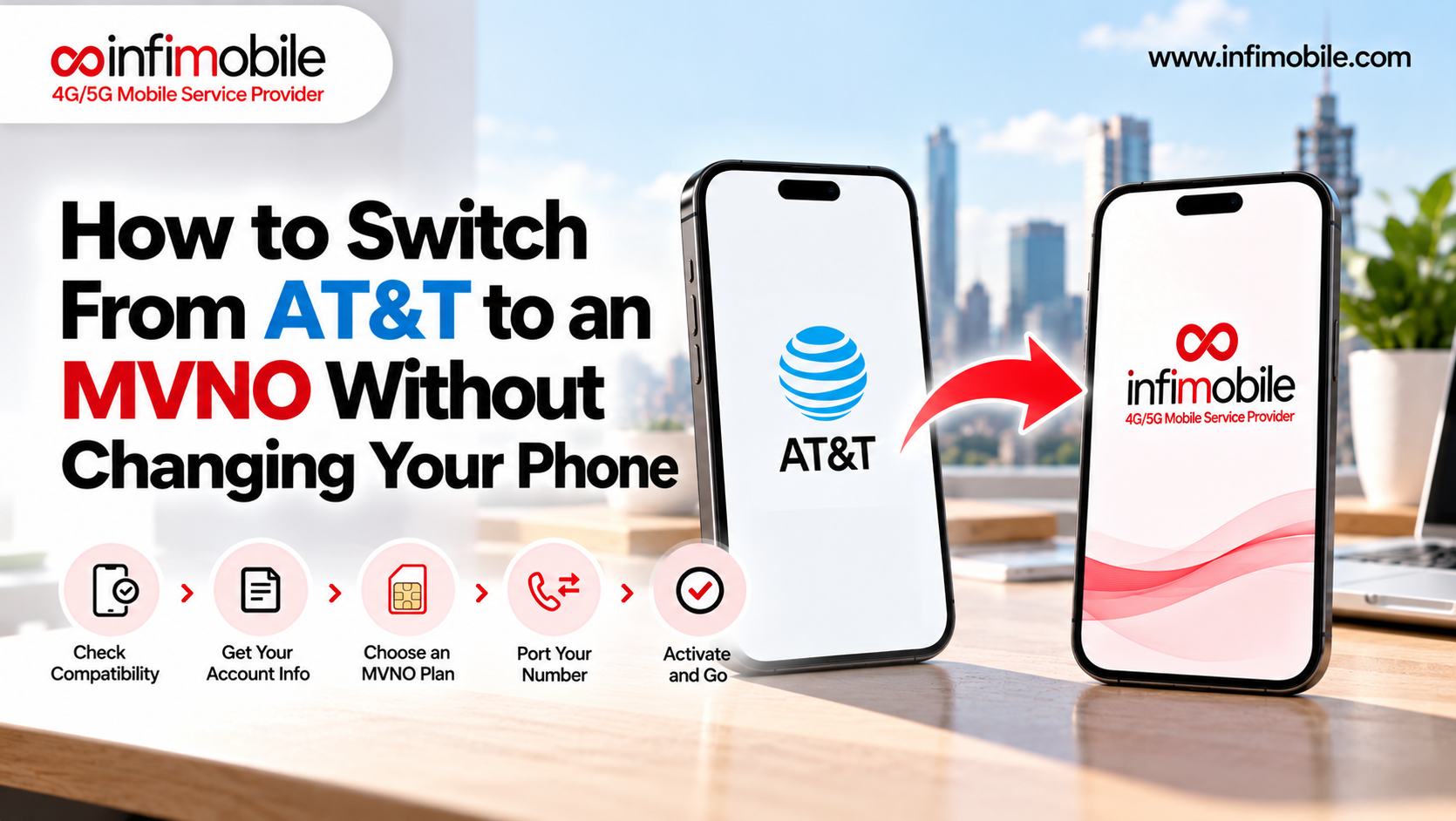
One of the biggest hesitations people have about switching carriers is the fear of losing their existing phone number. In most cases, that’s not a concern; number porting is a standard part of activating a new prepaid plan, and it typically just requires your current account number and a recent bill so the new provider can request the transfer.
Because Infimobile plans are designed for bring-your-own-device use, you can usually keep both your current phone and number, and simply swap in a new SIM or eSIM profile once the port is approved, all handled online, without changing your device or daily routine.
Tips to Get the Most Out of Your Mobile Signal
Even with a strong network, a few habits can help you avoid unnecessary drops:
- Keep your phone’s software current. Carrier and OS updates often include quiet fixes for connectivity bugs.
- Avoid signal-blocking cases. Metal or magnetic cases can interfere with your antenna.
- Use Wi-Fi Calling indoors when available, especially in buildings with thick walls or steel framing.
- Know your dead zones. Step outside for important calls rather than staying in a basement or elevator.
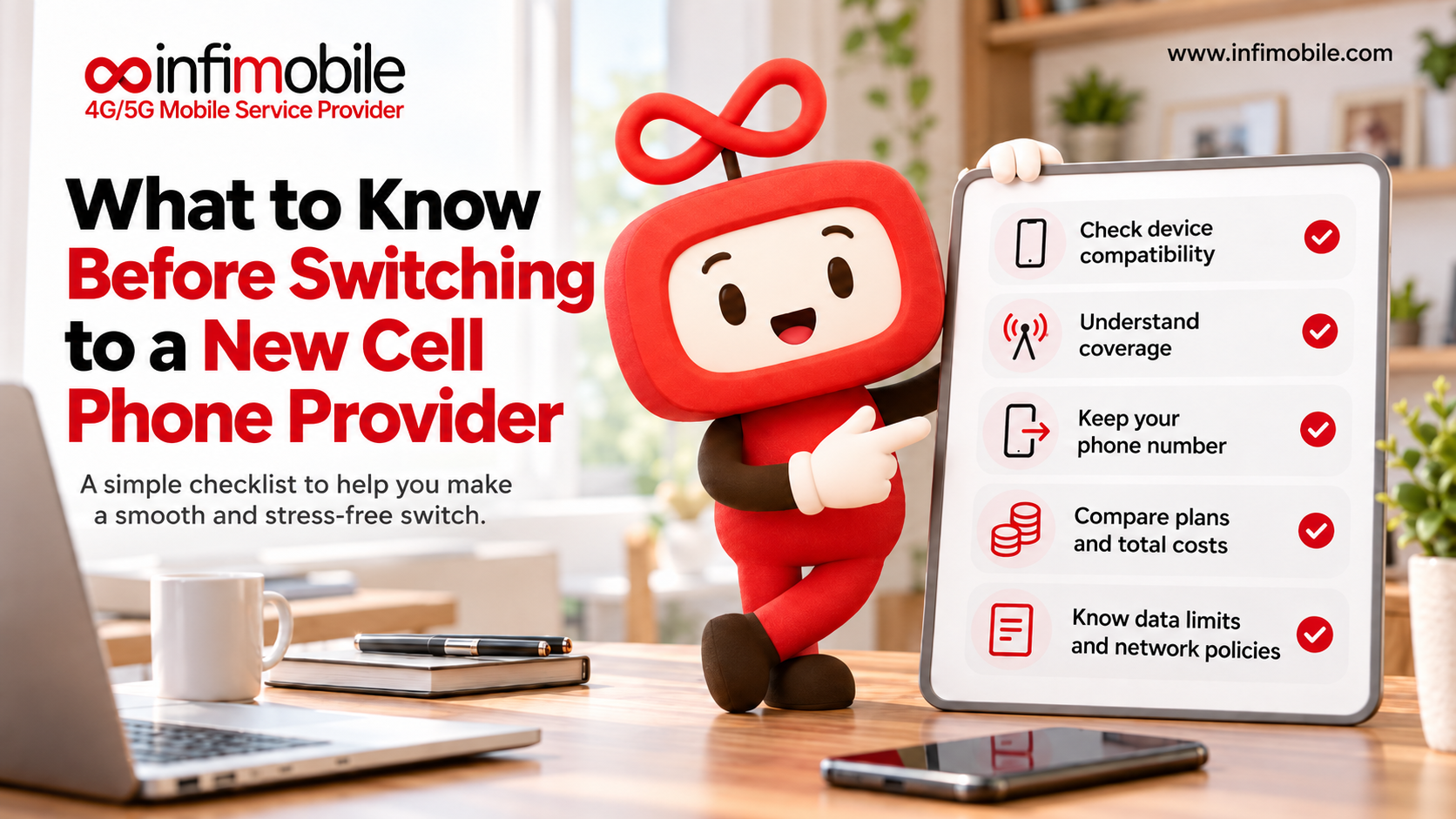
- Check network compatibility with your device before switching plans, since not every phone supports every band.
Frequently Asked Questions
This is almost always a physical obstruction issue. Materials like concrete, brick, metal siding, and energy-efficient window coatings can block or weaken cellular signals before they reach your phone. Try moving closer to a window, using Wi-Fi Calling, or checking whether the issue improves in a different room.
Yes. A restart forces your phone to disconnect from its current tower and search again for the strongest available signal, which clears out many temporary connectivity glitches without any deeper troubleshooting required.
In many cases, yes. Coverage quality genuinely varies between providers, even in the same location. If you’ve ruled out your device and settings and the problem is location-specific, moving to a carrier with stronger coverage there, such as Infimobile’s nationwide 4G/5G network, is often the most effective fix.
A dead zone means there’s little to no signal reaching that location at all, usually due to distance from a tower or heavy obstruction. Congestion means the signal is present, but the tower is handling more traffic than it can comfortably support, which temporarily degrades or drops your connection. Congestion tends to ease up once traffic decreases; a dead zone won’t improve without a change in coverage.
Not with Infimobile’s plans. Once you use your monthly allotment, data continues at reduced speeds for the rest of the cycle rather than shutting off, so you can still message, browse lightly, and stay connected until it resets.
Final Thoughts
A phone that keeps losing signal is frustrating, but it’s rarely unsolvable. Start with the basics: a restart, a settings check, a look at your SIM card. If the problem keeps showing up in the same places, take a hard look at whether your carrier’s network was ever built to cover them well. Sometimes the most reliable fix isn’t a setting at all; it’s switching to a network designed for consistent, nationwide coverage.
If dropped signal has become part of your routine, Infimobile’s 10GB and 20GB annual plans offer a straightforward way to get a full year of nationwide 4G/5G coverage, unlimited talk and text, and no contracts locked in with one upfront payment. Visit Infimobile online to check device compatibility and activate your plan today.