You glance at your status bar, and it says 5G. A minute later, it says 4G. Then it flips back to 5G again, sometimes mid-scroll, mid-download, or mid-call. If your phone keeps switching between 4G and 5G, it can feel like your connection is unstable, even when your internet speed seems perfectly fine.
Here’s the reassuring part: in most cases, this switching is completely normal and is actually your phone working correctly, not a sign that something is broken. Your device is constantly making split-second decisions about which network delivers the best combination of speed, signal strength, and battery efficiency in your exact location at that exact moment.
That said, frequent switching can point to a real issue, whether it’s a coverage gap, a software setting, or a device limitation. In this guide, we’ll break down exactly why your phone keeps switching between 4G and 5G, when it’s nothing to worry about, and what to do if it’s actually slowing you down or draining your battery faster than it should.
Understanding a little bit about how 5G itself works makes all of this much easier to follow, so let’s start there before getting into the specific causes.
Table of Contents
- Common-reasons
- Is It Normal for Your Phone to Switch Networks Constantly?
- How to Fix Frequent or Disruptive 4G/5G Switching
- When 4G Might Actually Outperform 5G
- Faqs
Common Reasons Your Phone Switches Between 4G and 5G
Understanding why the switching happens makes it much easier to tell whether it’s routine network behavior or something worth troubleshooting.
1. You’re Moving Between 5G and Non-5G Coverage Zones
5G networks, especially the fastest bands, cover smaller geographic areas than 4G LTE. As you walk, drive, or even move between rooms in a building, you can pass in and out of 5G range entirely. Your phone automatically drops to 4G to maintain a connection rather than showing no service at all.
What this looks like:
- Switching happens consistently in the same locations, like your commute or a specific building.
- 5G reappears reliably once you’re back in a dense coverage area
- The transition is seamless, with no noticeable call or data interruption.
2. Weak 5G Signal Strength
Even within a 5G coverage area, signal strength can vary block by block. Higher-frequency 5G signals (often called mmWave) don’t travel as far or penetrate walls as effectively as 4G LTE signals. When 5G strength drops too low to maintain a fast, stable connection, your phone intelligently falls back to 4G rather than forcing a weak 5G connection.
3. Network Congestion
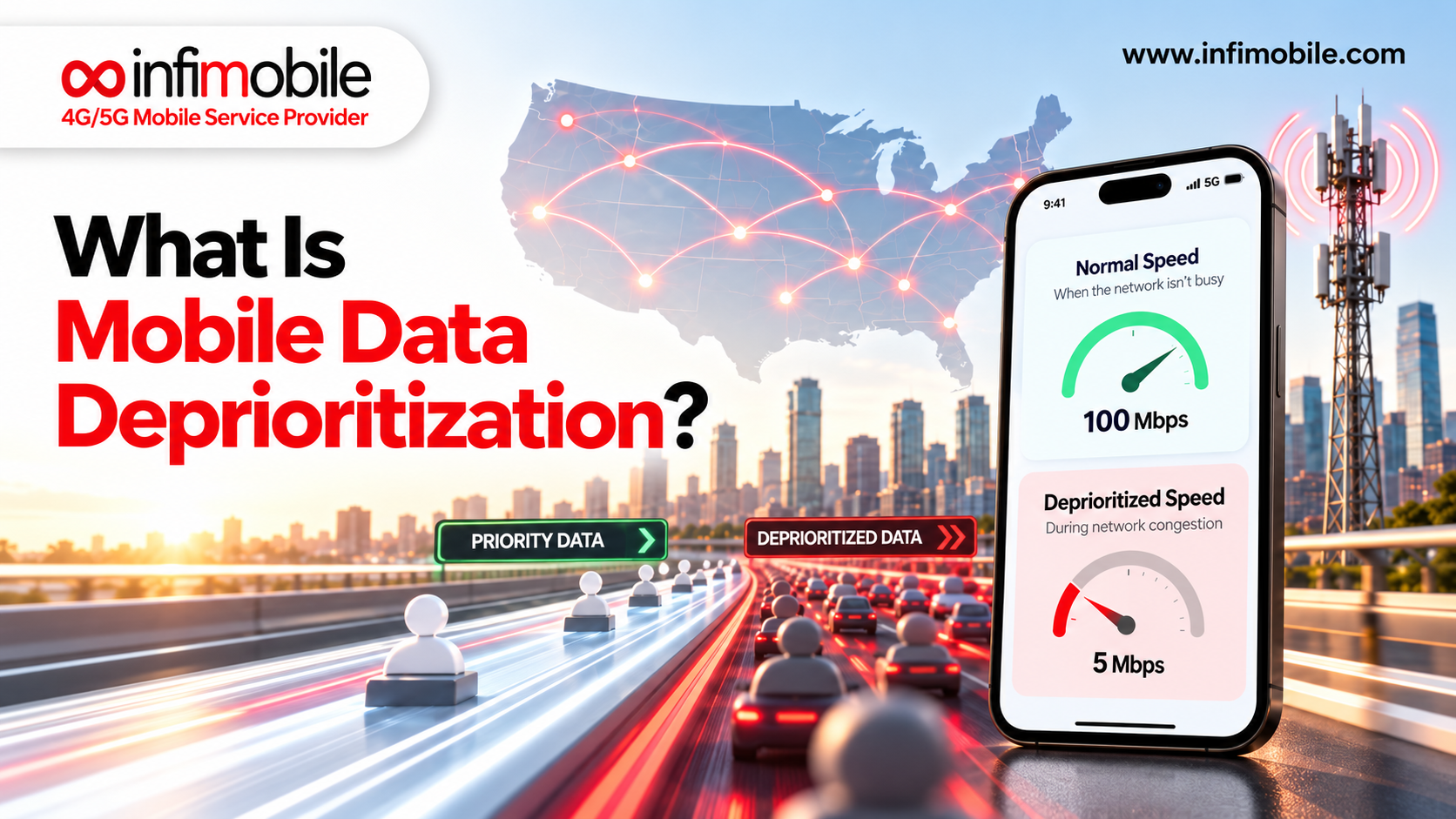
During high-traffic periods, such as evenings, weekends, or large public events, 5G towers can become congested with more connected devices than they can efficiently serve. Some phones and networks will temporarily shift certain devices to 4G to balance the load and maintain overall performance for everyone in the area.
4. Battery Saving or Adaptive Connectivity Settings
Many smartphones include a battery-conscious setting, often called Smart Data Mode, Adaptive 5G, or similar, that automatically switches to 4G when 5G isn’t providing a meaningful speed advantage. Since maintaining a 5G connection typically uses more power than 4G, your phone may deliberately favor 4G to extend battery life, especially when your battery is low.
Common signs:
- Switching becomes more frequent as your battery percentage drops.
- The behavior changes if you plug your phone in to charge.
- A specific network mode setting is enabled in your phone’s battery or network settings.
5. Indoor vs. Outdoor Movement
5G signals, particularly higher-frequency bands, struggle more than 4G to penetrate walls, windows, and roofing materials. Simply walking from outdoors into a building, or from one room to another, can be enough to trigger a switch from 5G to 4G and back again.
6. Device Hardware and Band Compatibility
Not all 5G-capable phones support the same 5G bands or frequencies. Older or budget 5G devices may only support a narrower range of 5G bands, meaning they’re more likely to fall back to 4G in areas where the specific 5G frequency they support isn’t available, even if a different type of 5G signal is present.
7. Software Bugs or Outdated Carrier Settings
Occasionally, the switching itself is a byproduct of a software bug rather than genuine network conditions. This is more common shortly after a major operating system update, before carrier settings have been optimized for the new software version. Carrier settings updates are typically released separately from full OS updates and often go unnoticed, even though they can directly address network-switching bugs.
8. SIM or eSIM Configuration Issues
In rarer cases, a SIM or eSIM profile that wasn’t fully provisioned for 5G access can cause a device to default back to 4G more often than it should, even in strong 5G coverage areas. This typically resolves once the profile is refreshed or reinstalled, and it’s worth checking your account settings to confirm 5G is actually enabled on your specific line.
9. Traveling Between Different Coverage Areas
If the switching started right after a road trip, flight, or move, your phone may be adjusting to a new region’s network buildout. 5G rollout varies significantly from city to city and even neighborhood to neighborhood, so a device that rarely switched networks at home might switch far more frequently in an area where 5G coverage is newer or less dense.
Is It Normal for Your Phone to Switch Networks Constantly?
In the vast majority of cases, yes. Network switching is a built-in, intentional feature of how modern phones manage connectivity, not a flaw. Your device is designed to prioritize a stable, fast connection over rigidly sticking to one network type, and 5G networks in particular are still expanding their coverage footprint across many regions.
That said, switching crosses from “normal” into “worth investigating” when it’s paired with any of the following:
- Noticeable lag, buffering, or dropped calls during the switch
- Switching that happens every few seconds, even while stationary.
- A significant, unexplained drop in battery life
- The behavior started suddenly, with no change in your location or routine.
If you’re only seeing the network indicator change without any real impact on your calls, browsing, or streaming, there’s typically nothing to fix. Think of it the way you’d think of your car automatically shifting gears: the transition itself is the system working as intended, and it’s only worth paying attention to if you actually feel it, whether that’s a jolt, a stall, or a noticeable drop in performance.
As 5G networks continue to expand and mature across the country, this kind of switching tends to become less frequent over time in any given area, simply because coverage gaps shrink and towers become better optimized to handle a growing number of connected devices.
How to Fix Frequent or Disruptive 4G/5G Switching
If the switching is genuinely affecting your experience, work through these steps in order.
1. Restart your phone. A simple restart refreshes your device’s connection to the nearest towers and clears temporary network glitches that can cause erratic switching.
2. Check your preferred network type setting. In your cellular or mobile network settings, confirm whether your phone is set to 5G Auto, 5G On, or LTE/4G only. Switching this setting off and back to your preferred option can force a cleaner reconnection.
3. Turn off battery-saving network modes temporarily. If your phone has a Smart Data Mode or Adaptive 5G feature, disable it briefly to see whether the switching behavior changes. This helps confirm whether battery optimization is the primary driver.
4. Update your software and carrier settings. Install any pending operating system updates, along with any available carrier settings updates, since these frequently include improvements to how your device handles network transitions.
5. Reset network settings. This clears saved network configurations, including APN and preferred network data, and forces your phone to rebuild its connection settings from scratch. Your photos, apps, and personal files are not affected.
6. Check your SIM or eSIM status. Confirm that your SIM or eSIM profile shows full 5G compatibility in your account settings. If you recently switched devices or carriers, reinstalling the eSIM profile can resolve provisioning issues.
7. Test in a different location. If switching only happens in one specific spot, it’s a coverage characteristic of that location rather than a device problem, and no setting change will fully eliminate it.
8. Contact your carrier if the issue is widespread. If switching happens constantly regardless of location, time of day, or battery level, your carrier can check for account-level provisioning issues or confirm whether there’s a known network issue in your area. It also helps to mention specific locations and times when the problem occurs, since that detail can speed up diagnosis significantly.
9. Keep a short log if the pattern isn’t obvious. If you can’t immediately tell what’s triggering the switching, jot down the time, location, and battery percentage the next few times it happens. Patterns often emerge quickly, whether that’s a specific building, a certain time of evening, or a battery threshold, and that pattern usually points straight to the cause.
When 4G Might Actually Outperform 5G
It may seem counterintuitive, but 4G LTE sometimes delivers a faster, more stable experience than 5G, particularly in the following situations:
- You’re far from a 5G tower but close to a well-established 4G tower. A strong 4G signal often outperforms a weak, distant 5G signal.
- You’re in a heavily congested 5G area. A less crowded 4G band can sometimes provide more consistent speeds during peak usage times.
- You’re using an app that doesn’t require high bandwidth. For basic texting, calls, and browsing, the real-world difference between 4G and 5G is often negligible.
This is one of the key reasons your phone is designed to switch dynamically rather than locking onto 5G at all costs. The goal isn’t “5G whenever possible”; it’s the best available connection at any given moment, and that requires a network built to support both technologies reliably across the areas you actually use your phone.
It’s also worth remembering that the “5G” label covers a range of different technologies, from lower-frequency bands that behave similarly to 4G LTE in terms of range and building penetration, to high-frequency bands that offer faster peak speeds but a much shorter effective range. Two phones sitting in the same room can display different network types simply because they support different 5G bands, which is another reason switching behavior can vary from person to person even on the same carrier.
A provider with strong, well-optimized 4G LTE coverage alongside its 5G network ensures that even when your phone steps down to 4G, you’re not left with a noticeably worse experience. Infimobile’s nationwide network is built to deliver dependable performance across both 4G and 5G, so the switching happening in the background stays exactly that: background behavior you don’t have to think about.
Frequently Asked Questions
This usually comes down to signal penetration. Higher-frequency 5G signals have a harder time passing through walls, floors, and windows than 4G LTE signals, so moving between rooms can be enough to trigger a switch, especially in larger homes or buildings with dense construction materials like brick, concrete, or metal framing. This is normal behavior and rarely indicates a problem with your phone.
Frequent switching itself uses a small amount of extra power, since your phone is actively renegotiating its connection each time. However, staying on 5G continuously typically uses more battery than 4G overall, so occasional switching to 4G can actually help conserve battery life rather than hurt it. If you notice unusually fast battery drain alongside constant switching, it’s worth checking whether an adaptive network setting is misbehaving.
Most phones allow you to select a 5G-only or 5G-preferred mode in network settings. Keep in mind that if you move outside 5G coverage entirely with this setting enabled, you may lose service completely rather than falling back to 4G, so it’s generally not recommended as a permanent setting unless you know you’ll remain in a strong 5G area the whole time.
Not usually. Occasional switching is expected, standard network behavior built into how modern devices manage connectivity. It only points to a possible defect if it’s paired with dropped calls, failed data connections, or switching that happens dozens of times per minute even while your phone is stationary in one spot with no obvious environmental cause.
It can help. Newer devices generally support a wider range of 5G bands and have more refined network-switching software, which can result in smoother transitions and fewer unnecessary drops to 4G compared to older or budget 5G devices that only support a limited set of 5G frequencies.
Final Thoughts
Seeing your phone switch between 4G and 5G is, in almost every case, a sign that your device is doing exactly what it’s supposed to do: finding the fastest, most stable connection available in real time. Where it becomes worth addressing is when that switching comes with real disruptions to your calls, data, or battery life, and the troubleshooting steps above can help you narrow down whether the cause is your settings, your device, or your coverage.
If persistent switching or weak performance keeps showing up no matter what you try, it may be time to look at the network itself. Infimobile offers nationwide coverage across both 4G and 5G, with simple eSIM activation that makes it easy to get a more consistent connection wherever you are.